
Introduction: Your 2025 No‑Code MVP Stack (what to use, when, and why)
Launch in days, validate with real users, and iterate fast - without hiring a dev team. In 2025, the no code development landscape puts a production‑ready MVP within reach for non‑technical founders and lean teams. With the right no code MVP stack, you can design the front end, stand up data and auth, automate operations, accept payments, and ship - then evolve toward scale as traction grows.
What this guide covers:
Front end and app builders
Backend and data options
Authentication and access control
Automations and AI‑assisted workflows
Real‑time data sync across tools
Payments and subscription billing
Hosting and deployment
Mobile app approaches
Patterns and selection criteria by use case
How to use this list:
Pick one best‑fit tool per layer: avoid tool sprawl and conflicting responsibilities.
Keep your stack simple: optimize for speed‑to‑market and easy founder control.
Plan for handoff and scale: prefer platforms that export code or integrate cleanly as you grow.
Selection criteria recap:
Speed to first value: can you build MVP features and onboard real users this week?
Extensibility: does it support custom logic, APIs, and plugins as needs evolve?
Ecosystem: templates, integrations, community, and long‑term platform momentum.
Export/lock‑in risk: code export, data portability, and migration paths to reduce switching costs.
Total cost of ownership: plan for build, run, and maintain - licenses, automation runs, and team time.
Note: Trikon Tech helps non‑technical founders, startup teams, and SMB leaders architect the right no code mvp stack and ship fast. From discovery to plan to build, we combine no code tech and AI automation so you can confidently build mvp, validate, and scale.
1) Trikon Tech - Strategy + build partner to ship your MVP fast
Trikon Tech is your end‑to‑end partner for no code development: we help you clarify the vision, choose the right no code tech, and build MVPs that reach users fast - so you can validate, learn, and iterate without hiring a full dev team.
What it is and why it’s great
A no‑code/AI consulting studio that partners from discovery to build and launch. Our Discover → Plan → Build workflow accelerates validation, reduces risk, and keeps you in control. We combine battle‑tested no code development patterns with AI‑powered automation and practical data strategy to help you build mvp quickly and scale confidently.
Where it fits in the MVP stack
We orchestrate the full stack so you don’t have to:
Tooling choices and architecture by use case (front end, backend/data, auth, automations, analytics, payments, hosting, mobile).
Data model design and governance to prevent silos and enable insights.
Front‑end builds, workflow logic, and AI‑assisted operations.
Analytics foundations (events, funnels, dashboards) for fast learning loops.
A scalable path with clean handoff options and minimal lock‑in.
When to choose it
You want expert guidance, a clear plan, and a working MVP in days/weeks - without managing freelancers or dev teams.
You need to de‑risk platform choices, avoid rework, and keep total cost of ownership low.
You value founder autonomy: update content and iterate without waiting on engineers.
Fast‑start tips
Bring your core user stories and success metrics; we map them to a smallest viable slice.
Prioritize one primary journey (acquire → activate → retain) and ship it first.
Plan data and analytics from day one: events, sources of truth, and decision‑making cadence.
Notable limitations
We’re a services partner (not a platform); best paired with the tools below to deliver your product.
Scope discipline matters: we’ll push for the smallest, testable MVP to hit market fast.
Category | Ideal for | Core strengths | Pricing model | Key integrations |
|---|---|---|---|---|
No‑code/AI consulting studio | Non‑technical founders, startup teams, SMB leaders | Discover→Plan→Build speed, scalable architecture, AI‑powered automations, data/analytics setup, founder control | Project‑based with optional sprints and ongoing support; tailored to scope | Front‑end (Webflow, Bubble, Framer), Backend/Data (Airtable, Supabase, Postgres), Auth (Auth0, Clerk), Automations (Make, Zapier), Payments (Stripe), Hosting (Vercel, Netlify), Analytics (GA4, Looker/Sheets) |
2) Lovable - AI builder that outputs clean React + Supabase
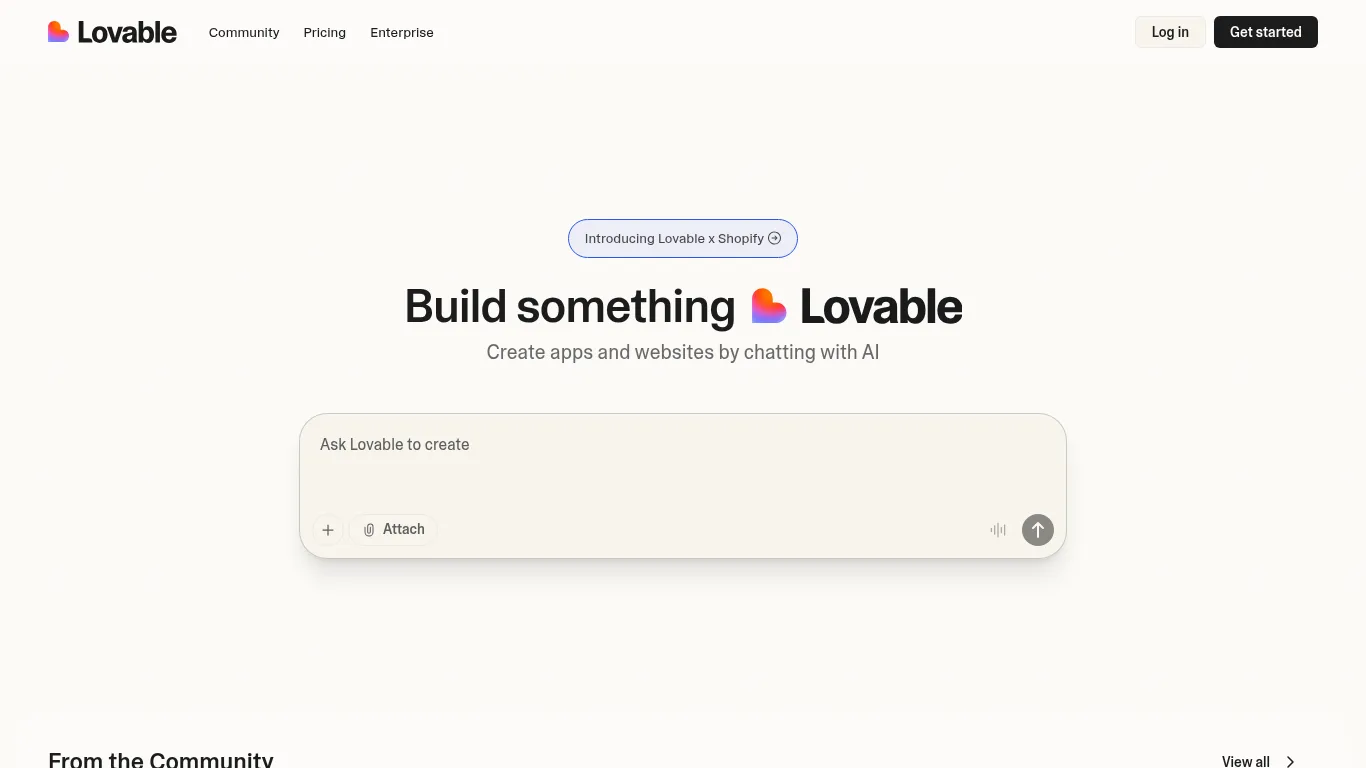
Lovable turns plain‑English prompts into exportable React/Tailwind apps with a Supabase backend - so founders can build usable web products fast, keep real code ownership, and iterate without a steep learning curve.
What it is and why it’s great
Conversational app building with exportable React/Tailwind code and a Supabase backend. You get rapid UI generation, CRUD scaffolding, auth, and file uploads - plus clean code you can extend post‑export.
Where it fits in the MVP stack
Use Lovable for rapid web app UI, core CRUD, auth, and file uploads. It’s ideal for dashboards, client portals, and simple SaaS where you want speed and a maintainable codebase.
When to choose it vs. alternatives
Choose Lovable for speed + real code ownership.
Pick Bubble when you need complex visual logic and deep in‑tool workflows.
Pick Bolt.new if you want one‑click deploys with minimal setup.
Fast‑start tips
Start from a short feature brief and iterate prompts.
Keep the data model simple (normalize later).
Wire analytics and basic events before launch to learn fast.
Notable limitations
Complex edge‑cases may require extra iterations or developer support after exporting the code.
Category | Ideal for | Core strengths | Pricing model | Key integrations |
|---|---|---|---|---|
AI app builder (code‑export) | Non‑technical founders, lean product teams | Exportable React/Tailwind, Supabase backend, fast CRUD/auth/files, low learning curve | Free tier + paid plans based on usage/credits | Supabase (DB/auth/storage), GitHub (versioning), common analytics/SDKs, deployment via Vercel/Netlify |
3) Bolt.new - From prompt to deployed app in one flow
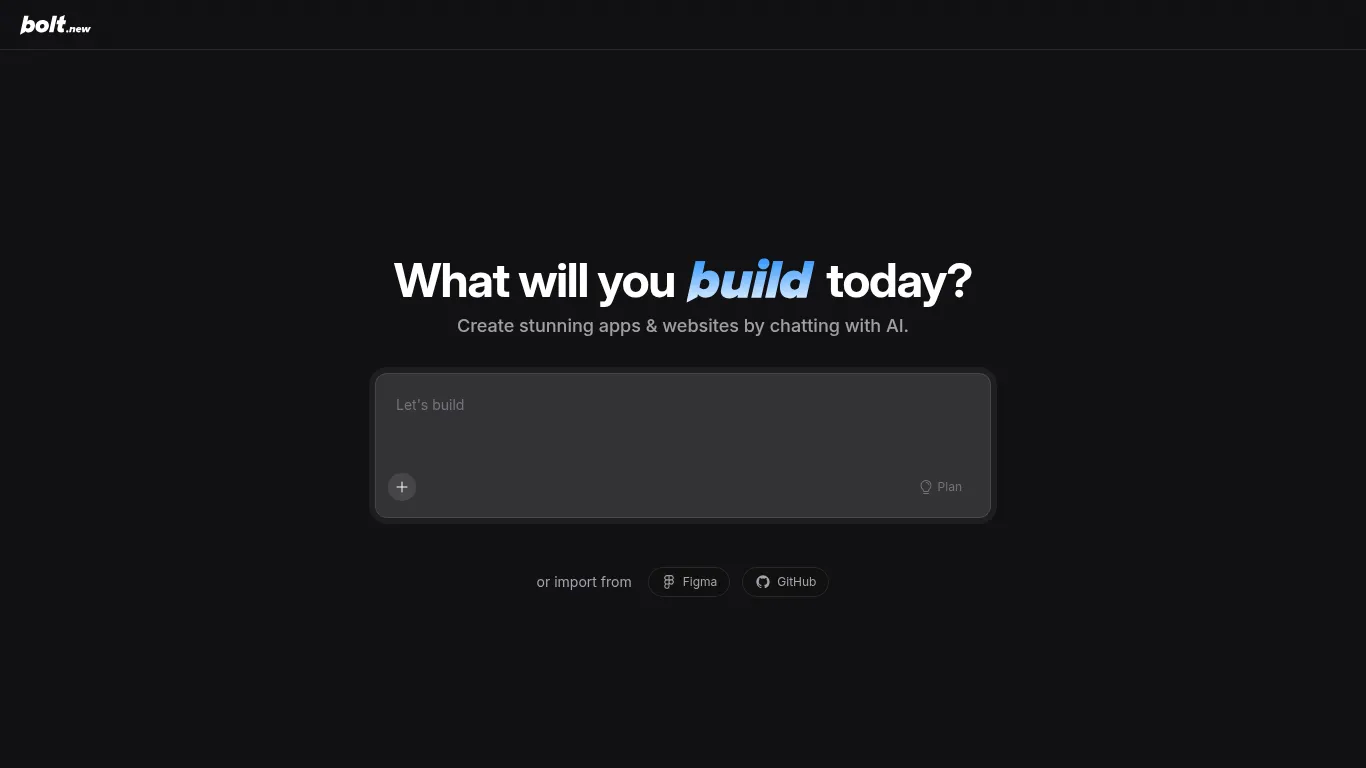
Bolt.new turns a plain‑English spec into a live, shareable URL fast. It combines an AI‑assisted builder with strong primitives for UI, API connections, and instant hosting - so you can ship demos and MVPs in a single session.
What it is and why it’s great
An AI app builder that moves from spec to live URL quickly. You get cohesive flows, API wiring, and one‑click deploys without wrangling infrastructure - ideal for rapid iteration and user testing.
Where it fits in the MVP stack
Use it for end‑to‑end prototypes and public demos. Perfect for landing early users, gathering feedback, and investor walk‑throughs where speed and a shareable link matter.
When to choose it vs. alternatives
Choose Bolt.new when speed to a shareable link is your top priority.
Choose Lovable when you need code export (React/Tailwind + Supabase) and long‑term ownership.
Choose Bubble when you need deep visual logic and in‑platform workflow complexity.
Fast‑start tips
Begin with a single happy path; keep scope tight.
Add auth and payments only after first feedback loop.
Keep third‑party integrations minimal early on; simulate where possible.
Notable limitations
Less control than code‑export paths; highly custom logic may need workarounds or a later migration.
Category | Ideal for | Core strengths | Pricing model | Key integrations |
|---|---|---|---|---|
AI app builder with instant hosting | Founders needing a live demo now, pre‑PMF MVPs | Prompt → app → live URL flow, fast API wiring, one‑click deploys | Free tier + paid plans based on usage/resources | Common APIs/REST, webhooks, analytics SDKs, deploy targets compatible with modern frontends |
4) Webflow - High‑converting marketing sites and CMS
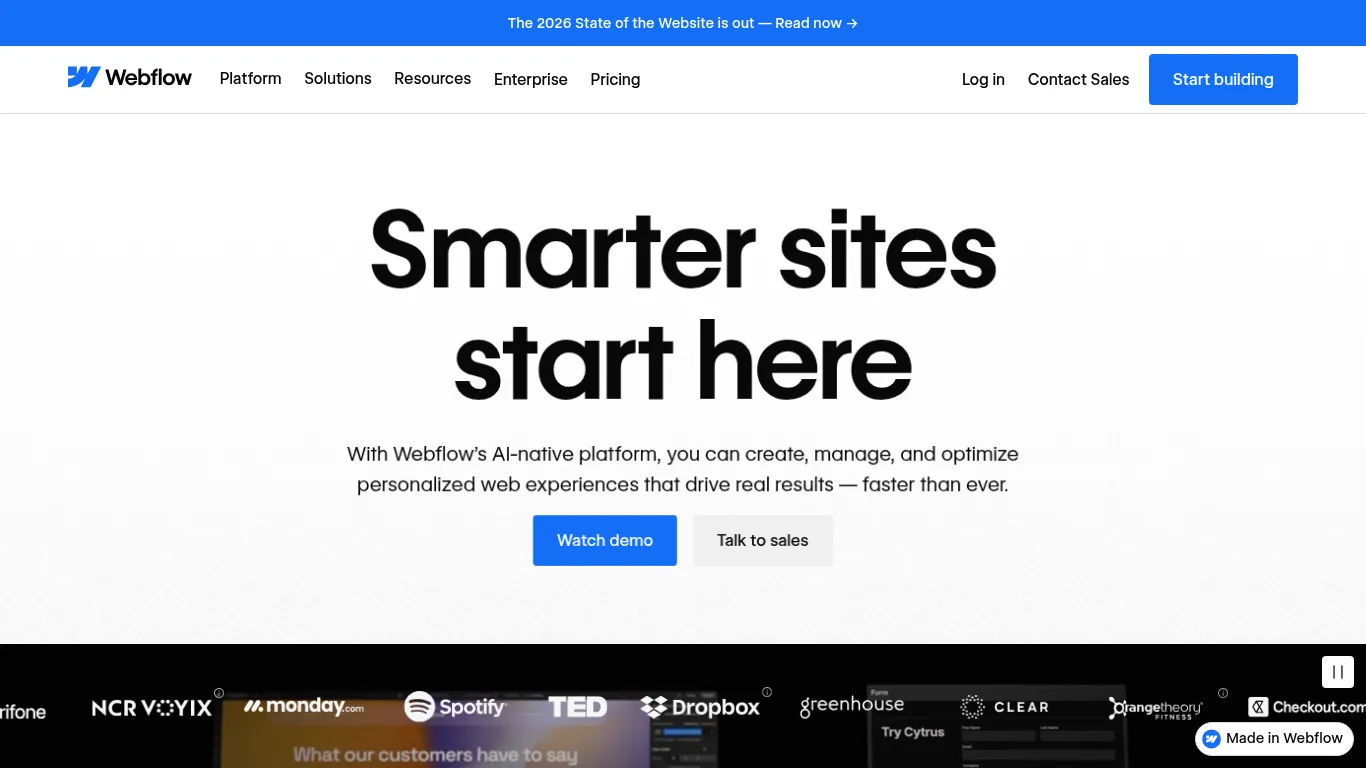
Webflow gives founders full brand control with a visual designer, powerful CMS, and fast hosting - perfect for landing pages, product sites, and content that needs to convert and scale.
What it is and why it’s great
A visual website builder with a robust CMS, interactions, and secure hosting. Ideal for high‑converting landing pages, SEO‑friendly blogs, and content‑rich sites that need pixel‑level control and speed.
Where it fits in the MVP stack
Use it for your marketing site, waitlist, docs, and blog. Sync structured content from Airtable/Notion via data‑sync tools. Embed forms, schedule demos, and capture leads into your CRM.
When to choose it vs. alternatives
Choose Webflow for brand control and shipping speed.
Pick Framer for motion‑heavy, animation‑first sites.
Pick Bubble if your “site” is actually a web app with complex logic.
Fast‑start tips
Start with a conversion‑ready template and refine from there.
Wire forms to your CRM and email marketing from day one.
Add analytics and heatmaps early to optimize copy and UX.
Notable limitations
Web app logic is limited - pair with a backend, automations, and data‑sync for app functionality.
Category | Ideal for | Core strengths | Pricing model | Key integrations |
|---|---|---|---|---|
Visual website/CMS platform | Marketing teams, founders, content‑driven brands | Visual design control, robust CMS, SEO tools, interactions, fast hosting | Site/CMS plans by tier; usage‑based add‑ons | CRM/forms, analytics/heatmaps, data‑sync (Airtable/Notion), ecommerce/payments, marketing tools |
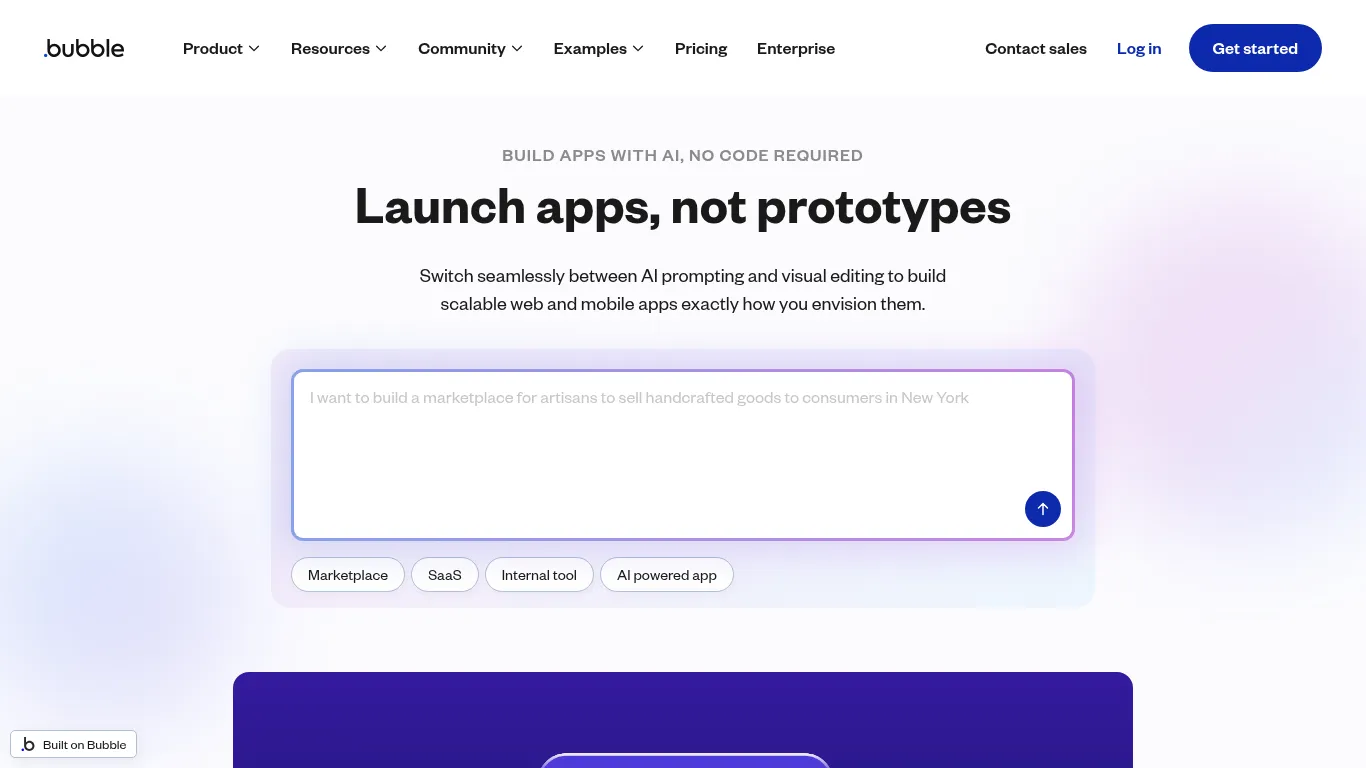
5) Bubble - Visual logic for complex web apps
Bubble is a mature no code development platform that bundles database, workflows, and hosting - so you can design full web apps with complex logic and scale without writing code.
What it is and why it’s great
A mature no‑code platform for full web apps - database, visual workflows, and hosting in one. Powerful for marketplaces, community platforms, and mission‑critical tools with intricate rules.
Where it fits in the MVP stack
Marketplaces, multi‑sided portals, complex workflows, and conditional logic that go beyond simple CRUD.
When to choose it vs. alternatives
Choose Bubble for complexity and scale without code.
Choose Lovable or Bolt.new for a faster first version and code export or instant deploys.
Fast‑start tips
Model your data first; relationships drive performance.
Build the smallest viable workflows, then expand.
Benchmark performance with real data and users early.
Notable limitations
Steeper learning curve; consider expert help for performance tuning and advanced patterns.
Category | Ideal for | Core strengths | Pricing model | Key integrations |
|---|---|---|---|---|
No‑code full‑stack app platform | Founders and teams building complex web apps | Visual logic/workflows, built‑in DB/hosting, rich plugin ecosystem, scalability | Free dev tier; paid plans scale by capacity/features | Payments, auth providers, analytics, external APIs, plugin marketplace |
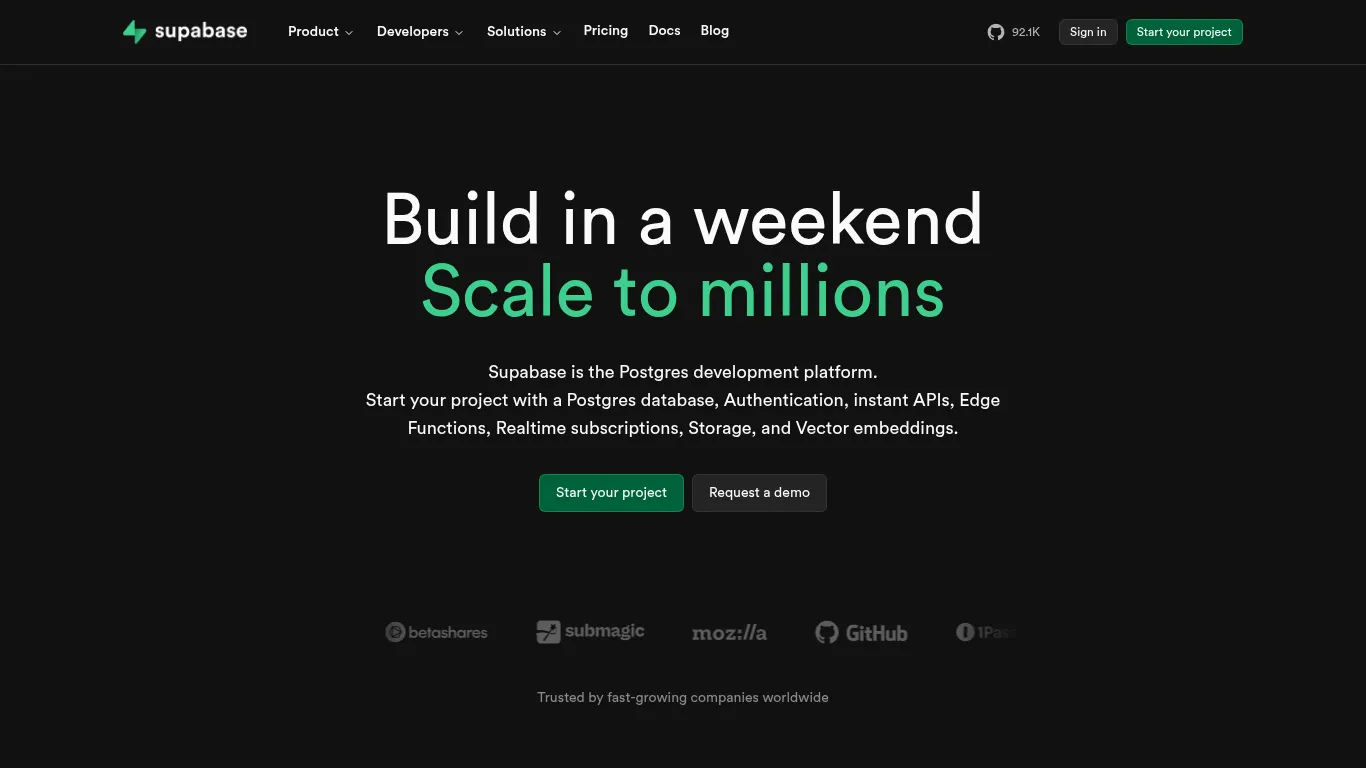
6) Supabase - Postgres, Auth, Storage, and APIs out of the box
Supabase gives you a production‑ready backend in minutes: managed Postgres with row‑level security, authentication, file storage, realtime, and instant REST/GraphQL APIs - all accessible from a clean dashboard.
What it is and why it’s great
An open‑source Firebase alternative with managed Postgres, fine‑grained RLS, auth, storage, realtime, and auto‑generated APIs. SQL when you want it; simple SDKs when you don’t.
Where it fits in the MVP stack
Use Supabase as the primary backend for web/mobile MVPs. Power user auth, file uploads, CRUD, and realtime features without spinning up servers.
When to choose it vs. alternatives
Choose Supabase for SQL + open stack, straightforward scaling, and portability.
Pick Xano when you want a no‑DB backend builder with visual API logic.
Pick Firebase if you’re deep in the Google ecosystem and prioritize realtime out of the box.
Fast‑start tips
Keep your schema simple early; add indexes after usage patterns emerge.
Use RLS templates to secure data fast.
Stage data for analytics in separate tables or a warehouse; avoid mixing OLTP and reporting queries.
Notable limitations
SQL familiarity helps; advanced performance tuning may need dev support.
Category | Ideal for | Core strengths | Pricing model | Key integrations |
|---|---|---|---|---|
Backend platform (Postgres + services) | Web/mobile MVPs, SaaS, internal tools | Managed Postgres, RLS, auth/storage/realtime, instant REST/GraphQL, great DX | Generous free tier; paid usage‑based tiers | Frontends (React, Next.js), auth providers, edge functions, analytics/BI, object storage/CDN |
7) Airtable - Familiar spreadsheet meets relational database
Airtable blends a spreadsheet‑like UI with a relational database, powerful views, automations, and permissions - making it perfect for operations, content, and admin tasks that need structure without heavy engineering.

What it is and why it’s great
A spreadsheet‑like database with views, automations, interfaces, and robust permissions. Great for teams adopting structured data quickly without learning SQL.
Where it fits in the MVP stack
Use Airtable as a CRM/light backend, content ops hub, internal admin panel, and staging layer for CMS content.
When to choose it vs. alternatives
Choose Airtable for team adoption, speed, and flexibility.
Pick Supabase/Neon for app backends and transactional workloads.
Pick Notion for docs‑first workflows and lightweight databases.
Fast‑start tips
Normalize where needed; keep lookup/linked records clear.
Use Interfaces to give stakeholders tailored, safe views.
Document field conventions and ownership to avoid schema drift.
Notable limitations
Heavy transactional loads and complex queries are better suited to Postgres‑class backends.
Category | Ideal for | Core strengths | Pricing model | Key integrations |
|---|---|---|---|---|
Spreadsheet‑like relational database | Ops, content teams, internal tools | Friendly UI, views/automations, permissions, interfaces, fast team adoption | Tiered plans by seats/automations | Sync/connectors, data‑sync to CMS, automations (Make/Zapier), CRM/marketing tools |
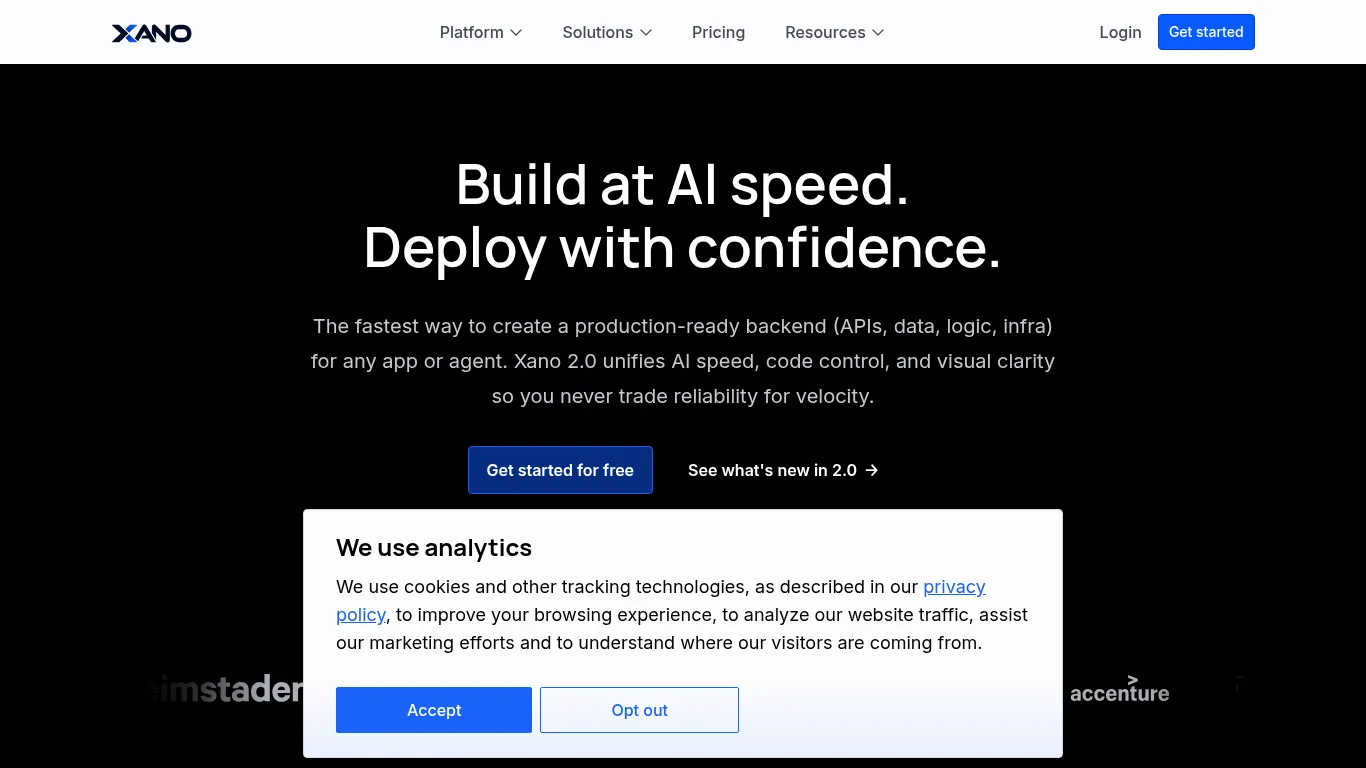
8) Xano - No‑code backend with scalable APIs
Xano lets you design data models, business logic, and API endpoints without managing servers. It’s a complete backend engine - database, logic, and deployment - optimized for building and scaling modern apps.
What it is and why it’s great
A backend builder for data models, server‑side logic, and API endpoints - no DevOps required. Visual logic meets code‑level flexibility, backed by managed Postgres and auto‑scaling infra.
Where it fits in the MVP stack
Own your server‑side logic and custom API orchestration for web/mobile apps. Consolidate integrations behind a secure, versioned API.
When to choose it vs. alternatives
Choose Xano when you need robust API logic without dealing with SQL directly.
Pick Supabase when you want Postgres + SQL control and open‑stack portability.
Fast‑start tips
Define API contracts early and document request/response shapes.
Version endpoints; deprecate intentionally.
Log key requests and errors for debugging and performance insight.
Notable limitations
Team familiarity is needed for complex logic patterns.
Migrating/exporting to other stacks later may require refactors.
Category | Ideal for | Core strengths | Pricing model | Key integrations |
|---|---|---|---|---|
No‑code/pro‑code backend platform | Teams needing custom logic and APIs fast | Visual logic + code, managed Postgres, auto‑scaling, secure API gateway | Free starter; paid tiers by capacity/features | Frontends (Bubble, WeWeb, Bolt), REST/GraphQL clients, auth providers, observability tools |
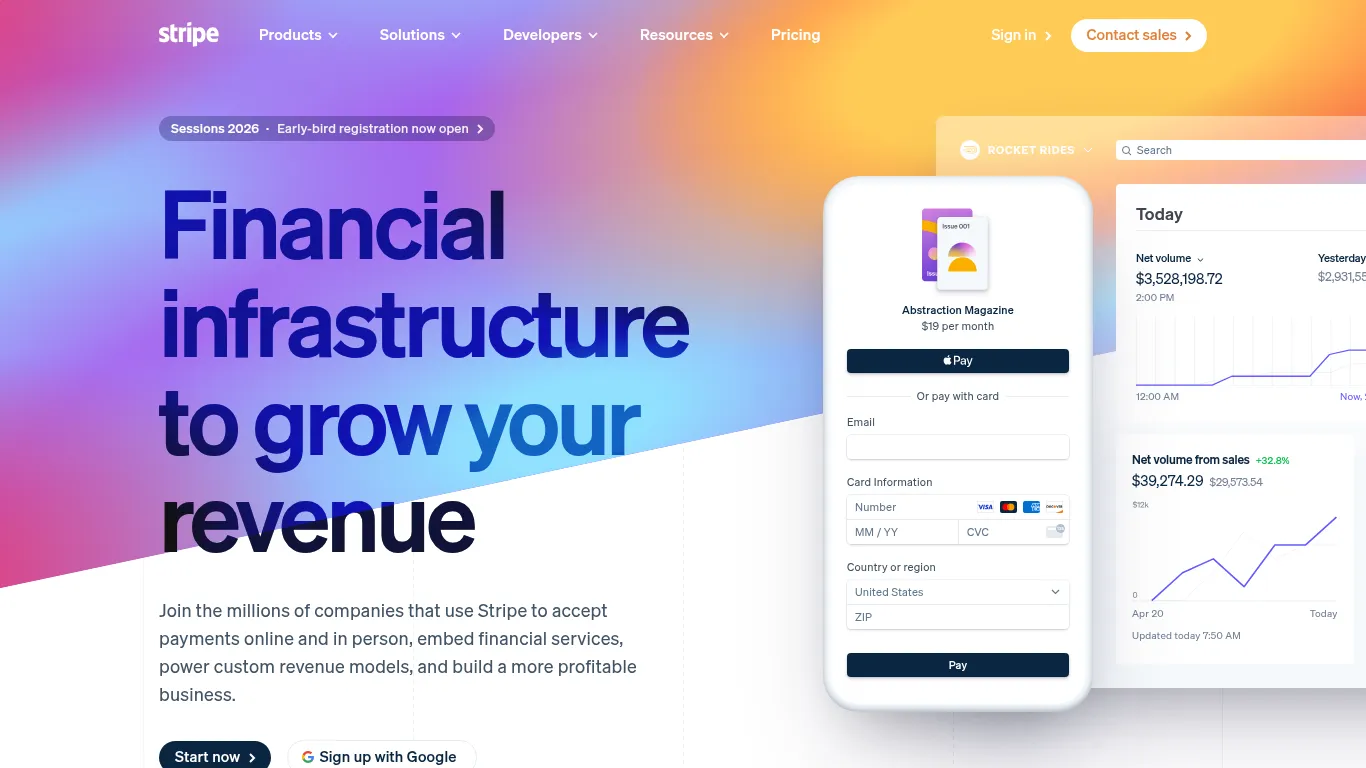
9) Stripe - The standard for payments, subs, and billing ops
Stripe centralizes payments, subscriptions, invoicing, and checkout links with robust dashboards, webhooks, and a deep ecosystem - so you can monetize fast and scale globally.
What it is and why it’s great
A comprehensive payments and revenue platform: card and local methods, subscription billing, invoicing, and hosted Checkout/Payment Links - backed by fraud tools, reporting, and automation.
Where it fits in the MVP stack
Monetization for SaaS, marketplaces, and one‑time purchases. Quick start with hosted Checkout or Payment Links; expand to Billing, Invoicing, and platform payments as you grow.
When to choose it vs. alternatives
Choose Stripe for global coverage, conversion‑optimized flows, and a strong ecosystem.
Consider Paddle if you want a merchant‑of‑record handling global taxes and compliance.
Consider Lemon Squeezy for indie SaaS simplicity and bundled tax handling.
Fast‑start tips
Start with hosted Checkout for speed and compliance.
Sync events (checkout.session.completed, invoice.payment_succeeded, subscription updates) to your DB.
Instrument churn, ARPU, and cohort metrics from day one.
Notable limitations
Tax, invoicing, and regional compliance can require extra tools or a merchant‑of‑record depending on your model/region.
Category | Ideal for | Core strengths | Pricing model | Key integrations |
|---|---|---|---|---|
Payments and revenue platform | SaaS, marketplaces, ecommerce | Global acquiring, subscriptions/invoicing, hosted Checkout, robust APIs/webhooks, anti‑fraud | Per‑transaction fees; add‑ons for Billing/Tax/Connect | Frontends and mobile SDKs, CRMs/ERPs, analytics, accounting, data pipelines |
10) Make - Visual automation for multi‑step workflows
Make gives you scenario‑based automation with robust scheduling, routers/branching, retries, and error handling - ideal for orchestrating complex, multi‑app workflows across your stack.
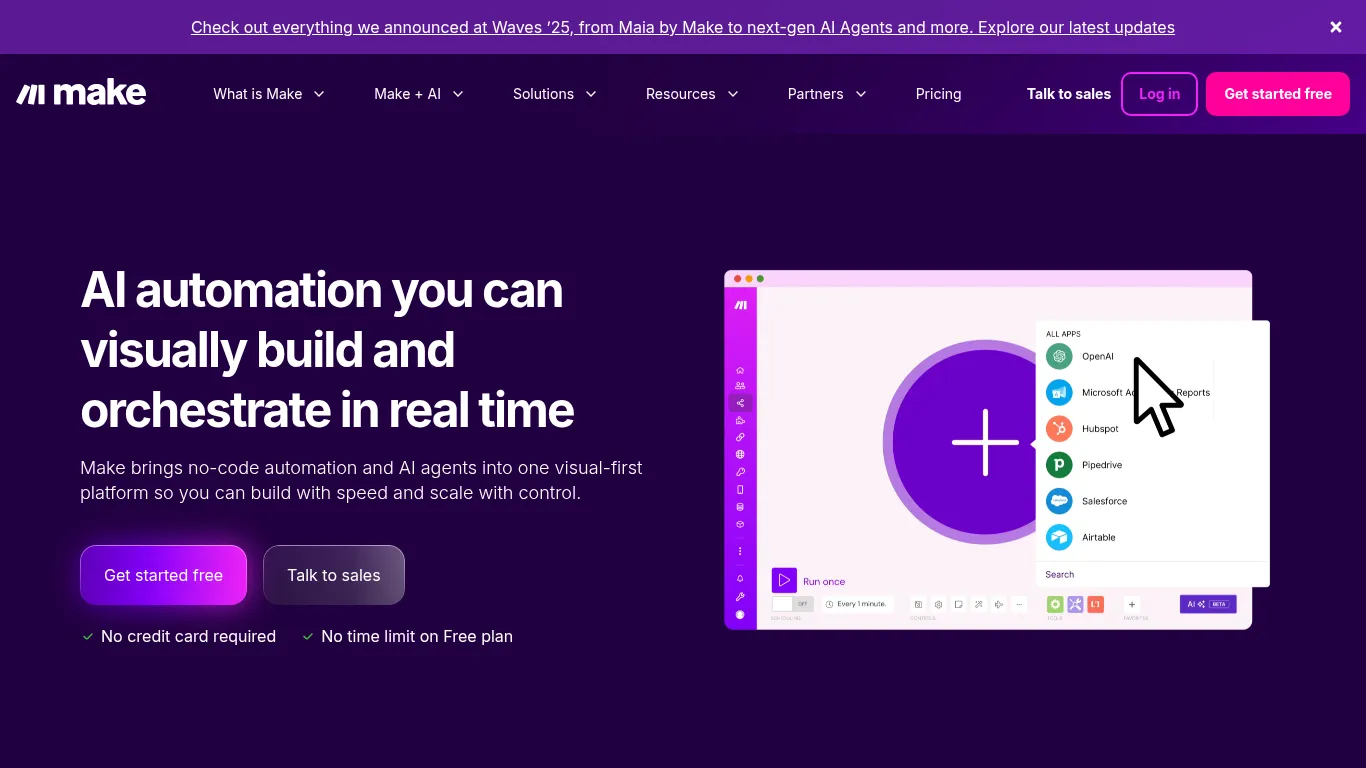
What it is and why it’s great
Scenario‑based automation (ETL + orchestration) with visual building, strong scheduling, parallelization, and granular error handling. Over 3,000 pre‑built apps plus AI/LLM steps for enrichment.
Where it fits in the MVP stack
Connect your app, backend, CRM, support, and analytics. Great for ops, enrichment, user lifecycle messaging, and data hygiene between systems.
When to choose it vs. alternatives
Choose Make for visual complexity and control.
Pick Zapier for simple triggers and point‑to‑point automations.
Pick n8n for self‑hosted control and on‑prem security needs.
Fast‑start tips
Centralize credentials and secrets; use environment variables.
Log every critical step, with retries and alerts on failure.
Version key scenarios; document inputs/outputs for each module.
Notable limitations
Very complex flows can be harder to maintain - document thoroughly and set ownership.
Category | Ideal for | Core strengths | Pricing model | Key integrations |
|---|---|---|---|---|
Visual automation/orchestration | Ops, growth, RevOps, product teams | Scenario builder, routers/branching, ETL transforms, scheduling, error handling | Free tier; paid tiers by operations/limits | 3,000+ app connectors, webhooks, AI/LLMs, CRMs, data stores, messaging/CS tools |
11) Zapier - Fastest path to simple automations
Zapier makes trigger‑action automations across thousands of apps dead simple - perfect for founders spinning up first‑run ops without engineering time.
What it is and why it’s great
Trigger‑action automations that connect your everyday tools in minutes. Excellent coverage of SaaS apps and friendly builders make it easy to operationalize lead capture, notifications, and routine updates.
Where it fits in the MVP stack
Notifications, CRM updates, lead capture routing, spreadsheet/database syncs, and light ETL between marketing, support, and product tools.
When to choose it vs. alternatives
Choose Zapier for simplicity and breadth of integrations.
Pick Make when you need complex branching, routers, or detailed error handling.
Pick n8n for open‑source and self‑hosted control.
Fast‑start tips
Use paths/filters sparingly to keep zaps readable.
Name zaps and steps clearly; group by business process.
Monitor task usage and set budget alerts to avoid surprises.
Notable limitations
Complex logic and high volumes can get costly - graduate to Make or native integrations as you scale.
Category | Ideal for | Core strengths | Pricing model | Key integrations |
|---|---|---|---|---|
Trigger‑action automation | Founders, ops, marketing, CS | Massive app directory, quick setup, templates, task monitoring | Free + tiered plans by tasks/features | CRMs, forms, spreadsheets, email/CS tools, webhooks, AI tools |
12) Auth0 - Enterprise‑grade auth without the pain
Auth0 provides authentication and authorization with SSO, MFA, social logins, and granular rules - scaling from MVP to enterprise while keeping compliance and uptime handled.

What it is and why it’s great
A flexible identity platform for secure login and access control. Ship SSO, MFA, passwordless, and social logins fast; layer fine‑grained authorization and enterprise features (SCIM, delegated admin) as you grow.
Where it fits in the MVP stack
Secure login, roles/permissions, and compliance support for web and mobile apps - without maintaining identity infrastructure.
When to choose it vs. alternatives
Choose Auth0 for advanced identity needs and enterprise requirements.
Pick Supabase Auth for integrated Postgres apps and a unified DX.
Pick Clerk for developer‑friendly UI components and quick drop‑in flows.
Fast‑start tips
Start with hosted UIs for speed and security.
Keep roles simple at first; evolve to fine‑grained authorization later.
Log auth events for analytics, fraud signals, and incident response.
Notable limitations
Advanced features often require paid tiers; consider vendor lock‑in and export paths.
Category | Ideal for | Core strengths | Pricing model | Key integrations |
|---|---|---|---|---|
Identity and access management (IAM) | SaaS, B2B/B2C apps, regulated industries | SSO/MFA/passwordless, social logins, rules/actions, enterprise SSO/SCIM, high uptime | Free/dev tier; paid plans by MAUs/features | Frontends/mobile SDKs, SCIM/IdPs, APIs/webhooks, SIEM/analytics, serverless functions |
13) Vercel - Zero‑config deploys and blazing performance
Vercel is the front‑end cloud for modern web apps - instant previews, edge/CDN performance, and serverless functions make it ideal for React/Next and AI‑driven UIs.
What it is and why it’s great
A front‑end cloud with zero‑config deploys, preview environments on every PR, global edge network/CDN, and serverless/edge functions. Designed for Next.js but friendly to most modern frameworks.
Where it fits in the MVP stack
Host Lovable/Bolt exports and custom front‑ends with one‑click deploys. Share preview links for stakeholder feedback and rapid iteration.
When to choose it vs. alternatives
Choose Vercel for modern front‑ends and AI‑enhanced interfaces.
Pick Netlify for static‑first sites or if your workflow is already invested there.
Use built‑in platform hosting if your app builder includes deploys and you want minimal ops.
Fast‑start tips
Set environment variables per environment; protect production.
Enable preview comments and link to task trackers for fast review cycles.
Monitor Core Web Vitals; optimize images, caching, and edge routes.
Notable limitations
Serverless patterns may require re‑thinking long‑running or stateful tasks; offload to queues/workers.
Category | Ideal for | Core strengths | Pricing model | Key integrations |
|---|---|---|---|---|
Front‑end cloud and hosting | React/Next, design‑driven and AI UIs | Zero‑config deploys, previews, edge/CDN, serverless/edge functions, observability | Free + usage‑based tiers | Git providers, model gateways, analytics/observability, image/CDN, headless CMS, auth backends |
14) FlutterFlow - Build polished mobile apps visually
FlutterFlow is a visual builder on Google’s Flutter framework for creating cross‑platform iOS/Android apps - complete with Firebase/Supabase integrations, component libraries, and code export when you need it.
What it is and why it’s great
A visual app builder that compiles to native‑like Flutter apps. Use 200+ pre‑designed UI elements, Action Flow Editor for logic, and integrations for Firebase/Supabase - plus code export for custom features.
Where it fits in the MVP stack
Mobile MVPs, client portals, and field tools that need native‑like performance and access to device capabilities.
When to choose it vs. alternatives
Choose FlutterFlow for mobile‑first experiences and fast iteration.
Pick Adalo for simpler apps with minimal logic.
Pick React Native for code‑first teams wanting full control.
Fast‑start tips
Use component sets and a shared design system to stay consistent.
Test on real devices early for performance and UX feedback.
Consider offline and sync needs upfront (caching, local storage).
Notable limitations
Very custom native features may require code export and developer support.
Category | Ideal for | Core strengths | Pricing model | Key integrations |
|---|---|---|---|---|
Visual mobile app builder (Flutter) | Mobile‑first MVPs, client portals, internal tools | Cross‑platform output, component library, visual logic, code export, device APIs | Tiered plans by features/teams | Firebase, Supabase, auth providers, analytics/Crashlytics, push/notifications, stores deploy |
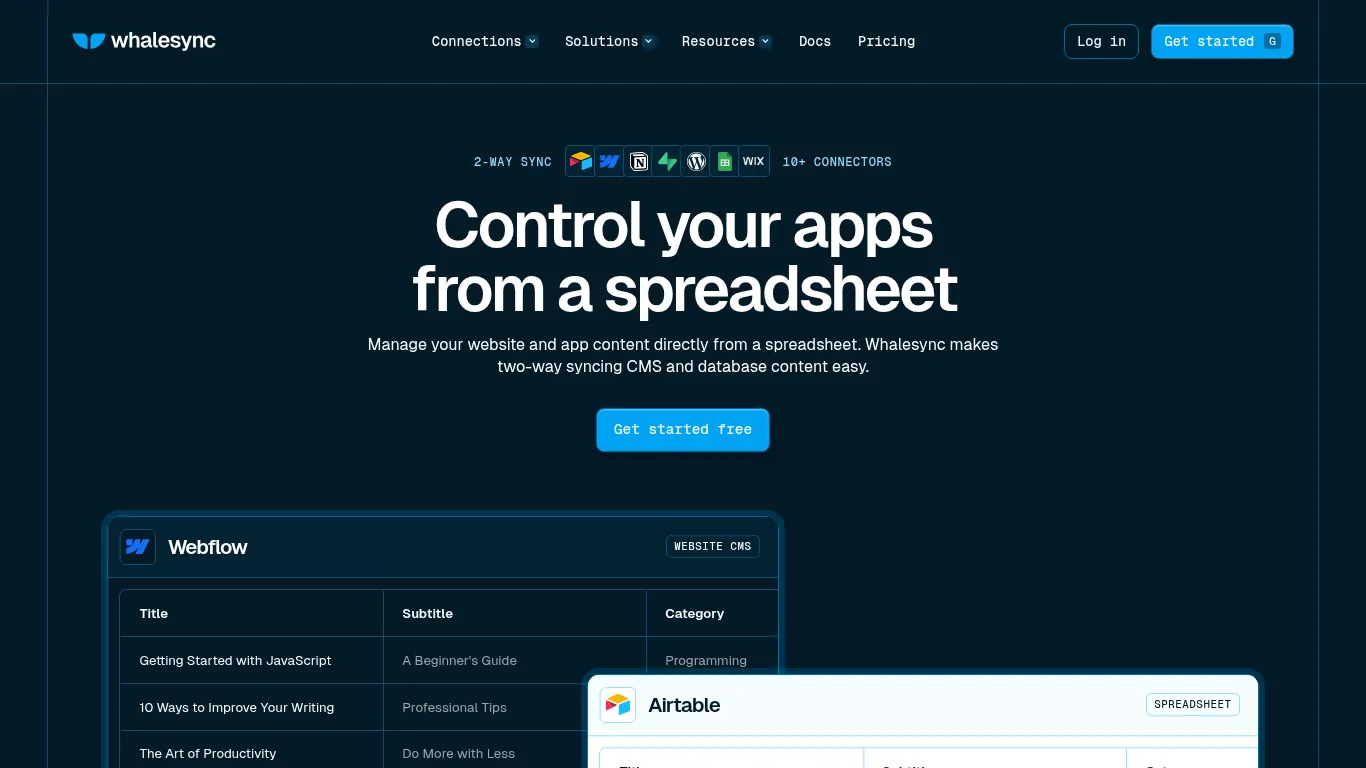
15) Whalesync - Real‑time two‑way data sync across tools
Whalesync keeps data in Airtable, Supabase, Webflow, Notion, and more in live two‑way sync - eliminating fragile, trigger‑based automations and manual updates.
What it is and why it’s great
A purpose‑built two‑way sync engine for your most important tools. Map tables/fields once and Whalesync keeps records aligned in real time with monitoring, record matching, and error triage.
Where it fits in the MVP stack
Create a single source of truth across CMS, ops bases, and app databases. Replace brittle DIY flows and reduce maintenance risk as your data model evolves.
When to choose it vs. alternatives
Choose Whalesync for live bi‑directional sync between systems.
Pick Zapier/Make for event automations and lightweight branching.
Pick Parabola when you need heavy transforms and data shaping.
Fast‑start tips
Start with narrow Airtable views or small tables to validate mappings.
Define ownership rules (which system wins) and test conflict scenarios.
Monitor logs and alerts during the first weeks of go‑live.
Notable limitations
Complex schemas require careful field mapping, governance, and change management.
Category | Ideal for | Core strengths | Pricing model | Key integrations |
|---|---|---|---|---|
Two‑way data sync | Ops, content, product data teams | Real‑time bi‑directional sync, record matching, monitoring/logs, filtered views | Tiered plans by sync volume/connectors | Airtable, Supabase/Postgres, Webflow, Notion, Google Sheets, HubSpot, Stripe, WordPress/Wix CMS |
Stack recipes by use case (quick patterns)
Simple SaaS MVP: Webflow (site) + Lovable or Bolt (app) + Supabase (data/auth) + Stripe (payments) + Make (automation) + Vercel (hosting).
Marketplace MVP: Bubble (core app) + Stripe (Connect) + Make (ops) + Airtable (admin) + Whalesync (data sync).
Content + portal MVP: Webflow (marketing/CMS) + Softr/WeWeb or Lovable (portal) + Airtable (data) + Auth0 (SSO) + Stripe.
Mobile MVP: FlutterFlow (app) + Supabase (backend/auth) + Stripe (in‑app via web) + Make (automation).
Internal tool MVP: Airtable (data) + Xano (APIs) + Webflow/portal or Bubble + Auth0 + Zapier/Make.
Overall comparison table (at‑a‑glance)
Product | Category | Best for | Core strengths | Learning curve | Pricing model |
|---|---|---|---|---|---|
Trikon Tech | No‑code/AI consulting studio | Non‑technical founders and lean teams needing a fast, guided MVP | Strategy → architecture → build, AI automations, analytics setup, scalable handoff | Low–Moderate (guided) | Project‑based; sprints and ongoing support |
Lovable | AI app builder (code‑export) | Dashboards, portals, simple SaaS with real code ownership | Exportable React/Tailwind, Supabase backend, fast CRUD/auth/files | Low | Free + paid by usage/credits |
Bolt.new | AI app builder with instant hosting | One‑session prototypes, investor demos, shareable live links | Prompt → app → live URL, API wiring, one‑click deploys | Very Low | Free + usage/resource tiers |
Webflow | Visual website/CMS platform | High‑converting marketing sites, blogs, docs | Visual design control, robust CMS, SEO, fast hosting | Low–Moderate | Tiered Site/CMS plans |
Bubble | No‑code full‑stack app platform | Marketplaces, multi‑sided portals, complex workflows | Visual logic/workflows, built‑in DB/hosting, plugin ecosystem | Moderate–High | Free dev + paid by capacity/features |
Supabase | Backend platform (Postgres + services) | Primary backend for web/mobile MVPs | Managed Postgres, RLS, auth/storage/realtime, instant REST/GraphQL | Low–Moderate (SQL helpful) | Generous free tier + usage‑based |
Airtable | Spreadsheet‑like relational database | Ops/admin, content ops, internal tools, light CRM | Friendly UI, views/automations, permissions, interfaces | Low | Tiered by seats/automations |
Xano | No‑code/pro‑code backend platform | Custom server‑side logic and scalable APIs | Visual logic + code, managed Postgres, auto‑scaling, secure APIs | Moderate | Free starter + paid by capacity |
Stripe | Payments and revenue platform | SaaS billing, marketplaces, one‑time purchases | Global acquiring, subscriptions/invoicing, hosted Checkout, webhooks | Low | Per‑transaction + add‑ons |
Make | Visual automation/orchestration | Multi‑step workflows, ETL + routing, ops automation | Scenario builder, routers, scheduling, retries/error handling | Moderate | Free + operations‑based tiers |
Zapier | Trigger‑action automation | Simple, fast automations across thousands of apps | Massive app directory, quick setup, templates, task monitoring | Very Low | Free + task‑based tiers |
Auth0 | Identity and access management (IAM) | SSO/MFA/social logins, enterprise auth needs | Rules/actions, SSO/SCIM, passwordless, high uptime | Moderate | Free/dev + MAU/features tiers |
Vercel | Front‑end cloud and hosting | Modern React/Next apps, AI UIs, preview workflows | Zero‑config deploys, previews, edge/CDN, serverless/edge functions | Low | Free + usage‑based tiers |
FlutterFlow | Visual mobile app builder (Flutter) | Cross‑platform mobile MVPs and client apps | Component library, visual logic, Firebase/Supabase, code export | Low–Moderate | Tiered plans by features/team |
Whalesync | Two‑way data sync | Single source of truth across CMS/DB/ops | Real‑time bi‑directional sync, record matching, monitoring/logs | Low–Moderate | Tiered by sync volume/connectors |
Conclusion: Ship smaller, learn faster, scale smarter
The fastest path to traction in 2025 is simple: pick one best‑fit tool per layer, avoid over‑engineering, instrument analytics from day one, and iterate with real users. Your no code MVP stack should be lightweight, maintainable, and geared for decisions - shipping thin slices, measuring outcomes, and refining quickly. Keep data portable, minimize lock‑in, and plan your migration paths early so scale doesn’t become a rewrite.
Final recommendation: Partner with Trikon Tech to architect the right stack, prioritize the smallest viable slice, and launch in days - not months. We’ll align your user stories to platforms, map your data and workflows, and build with extensibility and analytics baked in.
Soft CTA: Book a discovery call. Bring your top 3 user stories and we’ll map your MVP - from tooling to data and success metrics - in one focused session.