

WhatsApp Update Download (2026): Safe Ways to Update + What’s New
If you’re searching “WhatsApp update download”, you likely want one of three outcomes:
Update WhatsApp safely (without risking your account, chats, or device security)
Fix an update that’s stuck / failing (storage, compatibility, Play Store errors, etc.)
Understand what’s new in 2026 - especially if WhatsApp is a core customer channel for your business
This guide covers the safest update methods for Android and iPhone, what to avoid (modded APKs), quick troubleshooting, and the 2026 features that matter most for everyday users and growth teams.
"As of March 2025, WhatsApp had approximately 3 billion monthly active users worldwide." - Source
Safe WhatsApp Update Download Options (Android + iPhone)
1) Update WhatsApp on Android (Google Play Store)
Best for: Most Android users (fastest + safest)
Steps:
Open Google Play Store
Search WhatsApp Messenger
Tap Update (or Open if you’re already updated)
Pro tip: Turn on auto-updates: WhatsApp page → ⋮ menu → Enable auto-update.
2) Update WhatsApp on iPhone (Apple App Store)
Best for: iOS users who want verified updates
Steps:
Open App Store
Tap your profile icon
Scroll to Available Updates
Find WhatsApp → tap Update
3) Update WhatsApp using official sources (when stores are limited)
If your app store access is restricted (device limitations, region constraints, enterprise device policies), you may look for an “official download.” In general, official app store routes are still safest.
Important: Avoid “WhatsApp update download” pages that push:
“Unlocked premium features”
“Anti-ban WhatsApp”
“WhatsApp Plus / GBWhatsApp / YoWhatsApp”
“Clone WhatsApp with extra privacy”
Those are common signs of modified packages that can risk your data and account.
What NOT to Download: Modded WhatsApp APKs (and why it’s not worth it)
Modded WhatsApp builds typically promise themes, message hacks, or stealth features. The problem is simple: they’re not the official app, so you can’t trust the code.
Risks include:
Account bans / forced logouts
Malware / credential theft
Chat database exposure
Broken encryption assumptions (even if WhatsApp is encrypted, your device/app can still be compromised)
"WhatsApp implemented end-to-end encryption across its platform in April 2016, ensuring that messages... are accessible only to the sender and recipient." - Source
Encryption protects the message content in transit - but it doesn’t protect you from a compromised app.
Quick WhatsApp Update Checklist (Do this before troubleshooting)
✅ 60-second checklist
Restart your phone
Confirm you have stable Wi‑Fi (or strong mobile data)
Free up at least 1–2 GB storage
Update your device OS (Android/iOS) if available
Ensure Date & Time is set to Automatic
Try again
WhatsApp Update Problems (2026): Fixes That Work
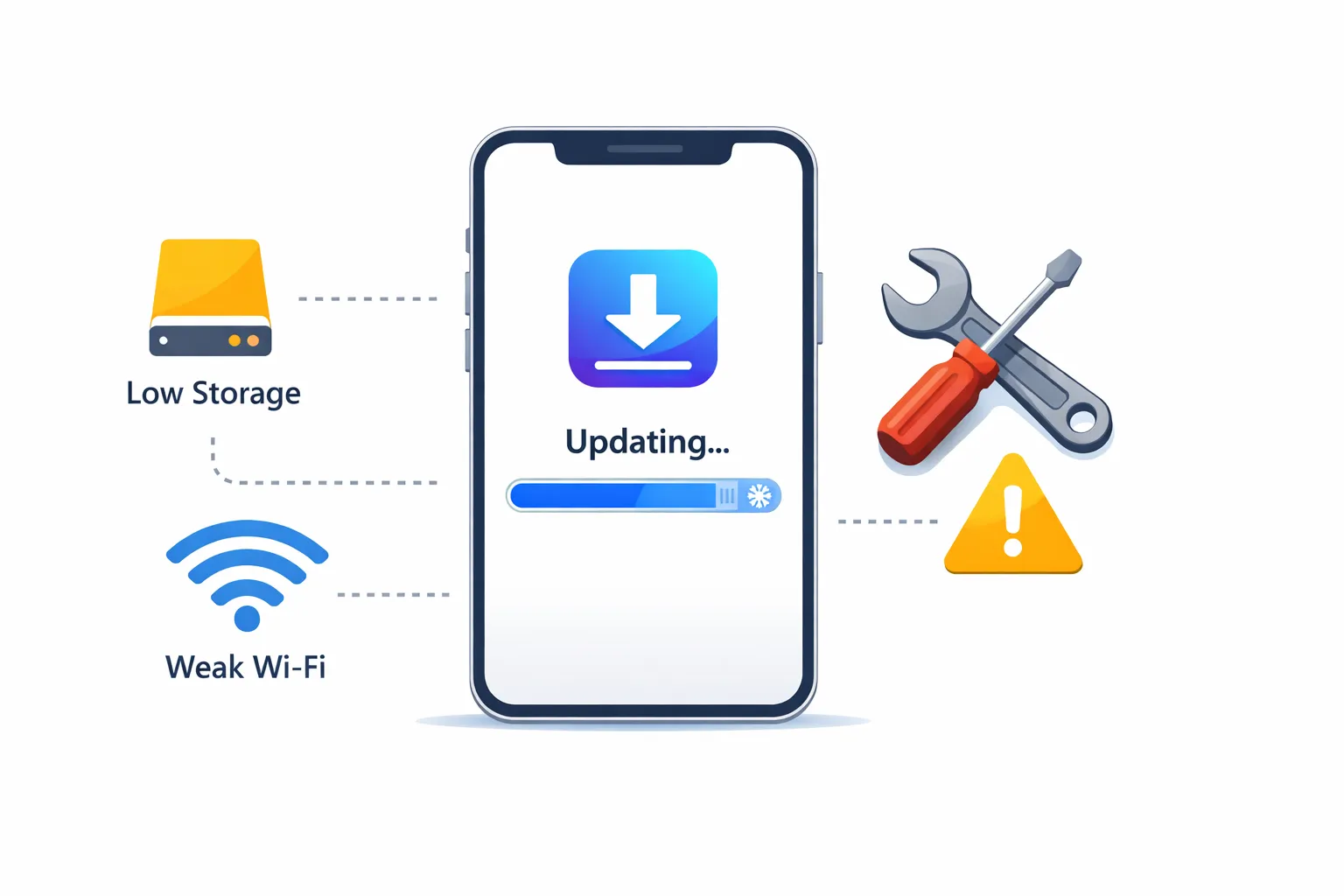
WhatsApp update stuck on “Downloading…” or “Pending”
Try:
Switch networks (Wi‑Fi ⇄ mobile data)
Pause/resume the download
Restart phone
On Android: clear Play Store cache (Settings → Apps → Google Play Store → Storage → Clear cache)
“Not enough storage” during WhatsApp update
Fix fast:
Delete large videos from your gallery (WhatsApp forwards often fill storage)
Uninstall unused apps
Clear WhatsApp media you don’t need (WhatsApp → Settings → Storage and data → Manage storage)
“This app isn’t compatible with your device”
This usually means your OS version is too old for the current WhatsApp build.
Options:
Update Android/iOS version (if supported)
If your device can’t update: consider upgrading hardware
For businesses: move critical customer conversations off “one phone” dependency (more on this below)
WhatsApp updated, but it’s crashing / not opening
Try:
Force stop + reopen
Reboot phone
Update OS
Last resort: backup chats, reinstall WhatsApp, restore backup
What’s New in WhatsApp (2026): The Updates That Actually Matter
Not every change impacts daily use - but these are the categories that typically matter most to users and businesses:
1) Stronger privacy + account protection
In 2026, WhatsApp continues to double down on privacy and safer identity controls (device-level protections, backup improvements, and reduced account takeover risk patterns).
What this means for you: keep WhatsApp updated - security improvements are one of the most practical reasons to update quickly.
2) Better multi-device reliability (for real workflows)
For growing teams, WhatsApp is often used across:
a primary phone
a few linked devices
web/desktop sessions
The big shift is that business conversations are outgrowing consumer-style device linking. If WhatsApp is your main customer channel, updates help - but they don’t solve the operational issue of scaling.
3) Faster messaging tools (voice, media, and management)
WhatsApp’s ongoing updates typically improve:
media sharing flows
voice note handling
chat organization tools
This matters for support teams and sales teams that communicate via product photos, invoices, location pins, and voice messages all day.
For Businesses: The Real “Update” Isn’t an App Download - It’s Upgrading Your WhatsApp Stack
If you’re a D2C brand, appointment-based service business, enterprise support team, or an agency delivering WhatsApp automation, the biggest bottleneck isn’t “how to download the WhatsApp update.”
It’s this:
The WhatsApp app was never built for serious team operations
Common pain points:
One device becomes the “single point of failure”
No true shared inbox with ownership, SLAs, and accountability
Hard to track who replied to whom
Limited automation beyond basic quick replies
Marketing workflows (segmentation, drip, retargeting) are not built-in at scale
How Trikon Tech Makes WhatsApp Work Like a Modern Business Channel
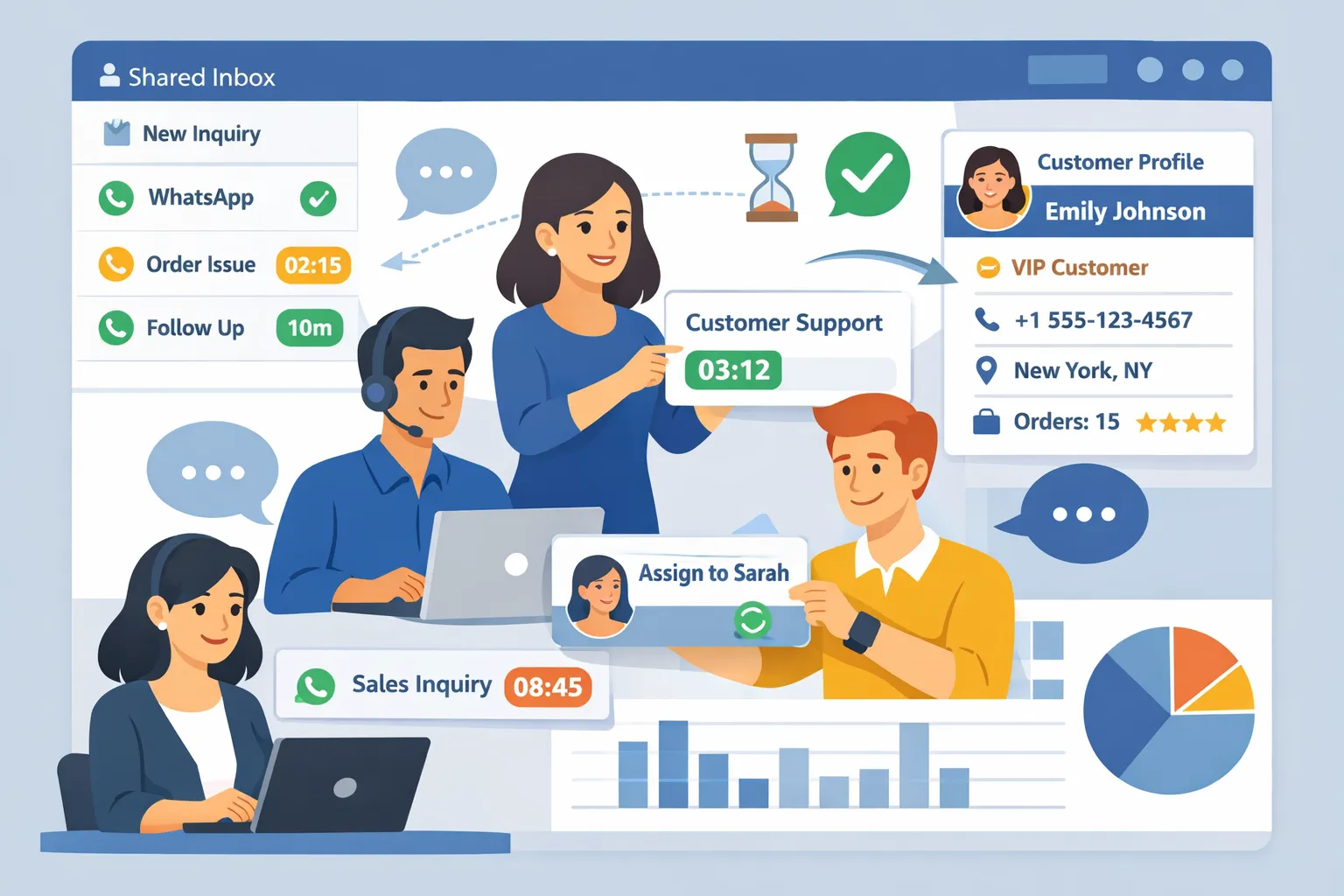
Trikon (Trikon Tech) is an official WhatsApp Business API partner, built to help teams run WhatsApp as a complete revenue + support channel - without heavy engineering effort.
What you get with Trikon (in practical terms)
Business need | What Trikon delivers |
|---|---|
Centralized customer conversations | Shared team inbox with agent assignment, collision prevention, tags, and full customer context |
Faster response times | SLA tracking + routing so urgent chats get handled first |
24/7 customer experience | No-code automation (keyword or AI-triggered) with smooth human handoff |
More sales from WhatsApp | Broadcasts, segmentation, drip flows, retargeting, and abandoned cart recovery |
Service operations inside chat | Bookings, reminders, reservations, and payments in WhatsApp |
Conversational commerce | Catalog, cart, orders, and website sync so customers can buy where they chat |
Agency & scale readiness | Scalable setup, automation templates, and white-label positioning support |
Hybrid model that actually works
Trikon is built around a hybrid approach:
Automate repetitive queries (order status, FAQs, store hours, appointment slots)
Hand off complex cases to humans with full context (VIP customers, refunds, escalations, custom requests)
That’s how you reduce support burden and protect CX.
Final Verdict + CTA
If your goal is simply to update WhatsApp safely, stick to the Google Play Store or Apple App Store, keep your device storage healthy, and avoid modded APKs.
But if WhatsApp is becoming a primary customer channel (support, sales, bookings, marketing), the smartest move isn’t just staying updated - it’s operating on the WhatsApp Business API with a platform designed for growth.
Try Trikon Tech to turn WhatsApp into an all-in-one system for support, marketing automation, bots, bookings, and commerce - built for teams, built for scale, and built on official partner infrastructure.