

WhatsApp Use Cases for Small Businesses
WhatsApp has become the fastest, most familiar way for customers to reach small businesses. At Trikon, we turn WhatsApp into a complete business channel - so you can run support, marketing, bookings, and commerce in one place without complex setup. Whether you’re just starting with WhatsApp for small business or looking to scale with WhatsApp automation for small business, this guide shows practical, beginner‑friendly ways to get results quickly.
Why WhatsApp matters for small businesses
Reach customers where they already are - inside WhatsApp - to speed up sales, support, and repeat purchases with personal, two‑way conversations.
Core WhatsApp Business use cases:
Customer communication and sales inquiries
Support and FAQs with hybrid agents + WhatsApp chatbot for small business
Order confirmations, shipping updates, and reminders
Payments, bookings, and reservations in chat
Automation for lead capture, routing, and follow‑ups
Beginner-friendly examples you can launch fast:
Send order confirmations and delivery updates
Recover abandoned carts with timely nudges
Book appointments or demos directly in chat
Share product catalogs and collect orders
Collect customer feedback and CSAT after service
What you’ll find here
A curated list of 10 WhatsApp Business platforms/tools that help small businesses launch these use cases fast.
Clear comparisons of strengths like automation, shared inbox, commerce features, and pricing models - so you can pick the right fit for your goals and budget.
Quick explainer (video)
1) Trikon - All‑in‑one WhatsApp platform for faster sales, support, and automation
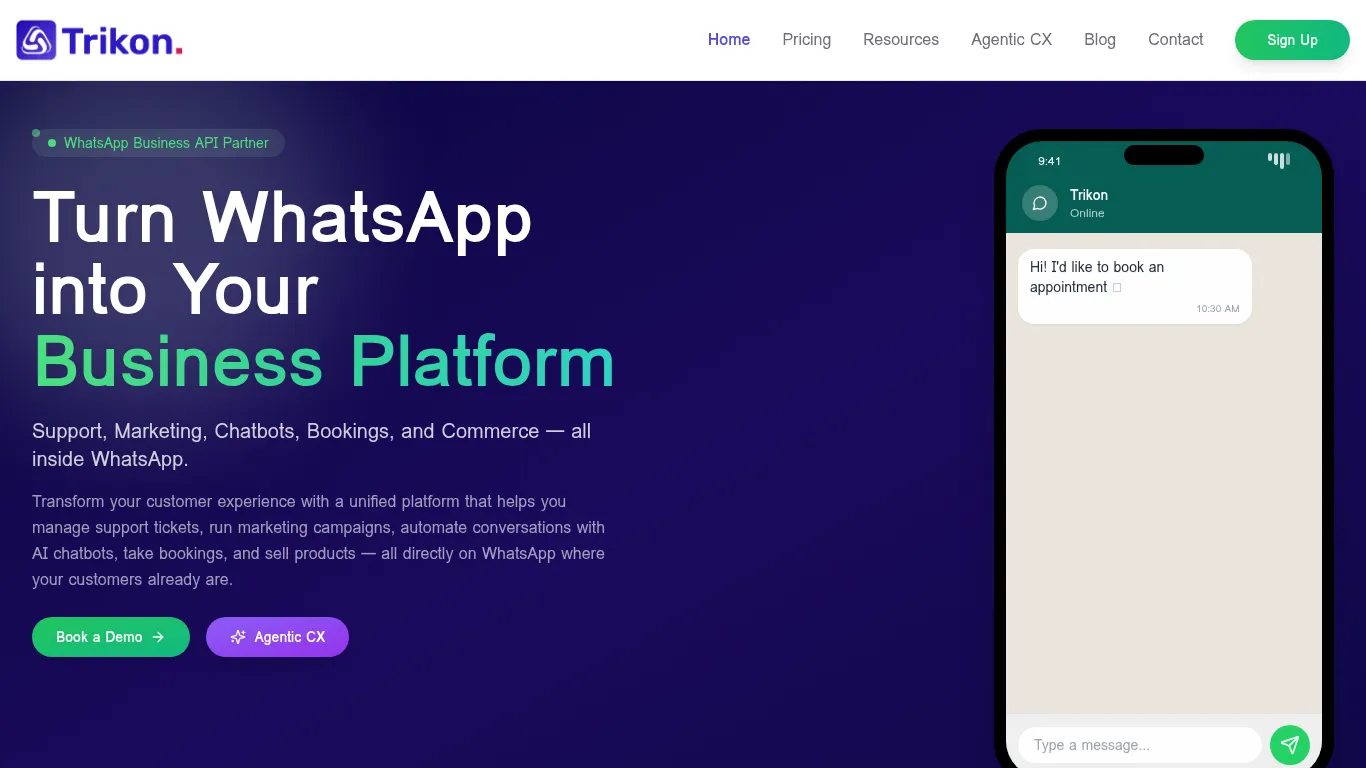
Trikon turns WhatsApp into a complete business channel for small businesses and agencies. Launch support, marketing, chatbots, bookings, and commerce in days - not months - so you can drive conversions, reduce support load, and keep customers engaged around the clock.
What it’s best for (use cases you can launch fast)
Support: shared inbox with SLAs, agent assignment, and full conversation history
Marketing: broadcasts, segmentation, drip campaigns, retargeting, and abandoned cart recovery
Automation: no‑code chatbots (keywords + AI), 24×7 FAQs with seamless human handoff
Commerce & operations: WhatsApp storefront, product catalog, carts, orders, payments, and appointments/reservations
Why small businesses choose Trikon
Minimal setup; no complex builders or engineering needed
Hybrid automation + human support for superior CX
Scalable and agency‑friendly (white‑label ready); official WhatsApp Business API partner
Standout capabilities
Unified customer engagement across marketing, support, bookings, and commerce
Website sync for catalog/orders, rich message templates, and analytics for performance tracking
Setup and platform notes
Cloud‑based; integrates with popular e‑commerce/CRM tools; built for quick go‑live
Feature snapshot
Capability | Automation | Shared Inbox & SLAs | Commerce (Catalog, Cart, Orders) | Bookings/Operations | Analytics & Segmentation | Setup Time |
|---|---|---|---|---|---|---|
Trikon | No‑code bots (keywords + AI), 24×7, human handoff | Team assignment, SLA tracking, full history | WhatsApp storefront, website sync, payments | Appointments, reservations, workflows in chat | Broadcasts, drip/retargeting, segmentation, reporting | Fast go‑live; minimal setup |
2) WhatsApp Business Platform (Official) - The foundation for secure, scalable business messaging
The official WhatsApp Business Platform is the backbone for secure, compliant, and scalable messaging - ideal for WhatsApp business use cases like notifications, authentication, guided flows, and commerce. Most small teams pair it with a BSP like Trikon to add a shared inbox, campaign tools, WhatsApp automation small business features, and no-code chatbot experiences.
What it’s best for (use cases you can launch fast)
Notifications and updates: order confirmations, shipping updates, appointment reminders
Authentication: OTPs and verifications with end-to-end encryption
Guided flows: sign‑ups, bookings, surveys, and support triage via WhatsApp Flows
Commerce: product messages, catalogs, and payments in supported markets
Why small businesses choose the official platform
Reliability, compliance, and end‑to‑end encryption by default
Pairs with BSPs to add shared inboxes, automation, and campaign orchestration for WhatsApp for small business
Standout capabilities
Rich, interactive message types (lists, buttons, catalogs, product messages)
Global reach with conversation‑based pricing managed by WhatsApp
Setup and platform notes
Best used through a BSP to handle inbox, automation, analytics, and operations at speed; ideal base layer for WhatsApp chatbot small business deployments
"WhatsApp announced it surpassed 2 billion users worldwide." - Source
Feature snapshot
Capability | Automation | Shared Inbox & SLAs | Commerce (Catalog, Cart, Orders) | Bookings/Operations | Analytics & Segmentation | Setup Time |
|---|---|---|---|---|---|---|
WhatsApp Business Platform (Official) | APIs + WhatsApp Flows for guided journeys; interactive templates | Not included natively; add via BSP | Product messages, catalogs; payments in supported markets (via partners) | Flows for sign‑ups, bookings, support triage (via integrations/BSP) | Delivery/read statuses via API; advanced analytics via BSP | Medium; faster with a BSP integration |
3) Sinch - Omnichannel API power with strong WhatsApp automation and Flows
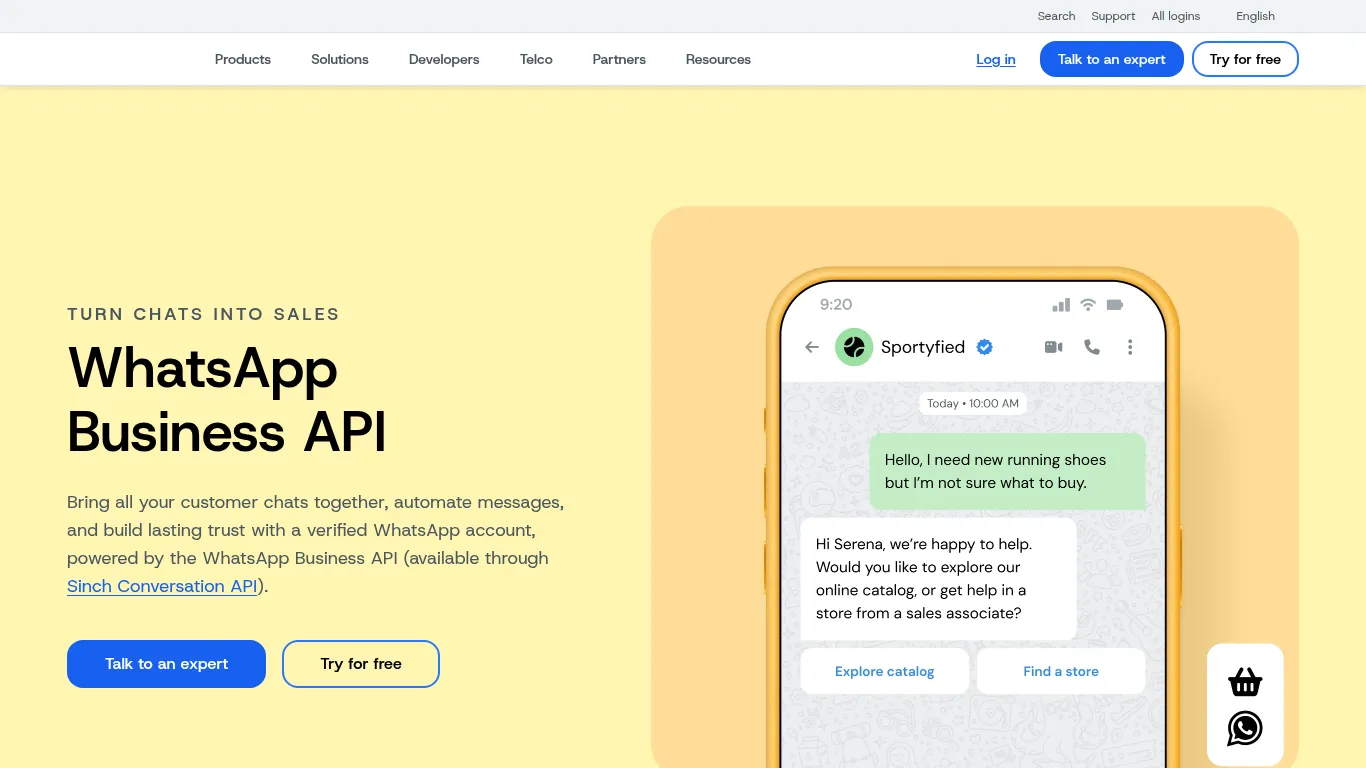
Sinch brings enterprise-grade messaging to small businesses through robust APIs and an intuitive dashboard. If you want to orchestrate campaigns, automate support with WhatsApp Flows, and scale globally with reliable delivery, Sinch is a strong fit for WhatsApp business use cases across marketing, care, and operations.
What it’s best for (use cases you can launch fast)
Marketing broadcasts and promotions with rich media (images, videos, carousels, buttons)
Customer care with routing, automation, and smooth agent handoff
Appointments, reminders, and transactional alerts at scale
Why small businesses choose Sinch
Robust APIs and dashboard with strong deliverability and reliability
Supports WhatsApp Flows and chatbot experiences for guided journeys
"Ounass saw a 50% read rate on WhatsApp vs 10% for email and 2–3% for SMS, highlighting significantly higher engagement on WhatsApp." - Source
Standout capabilities
Omnichannel orchestration with inbox and analytics options
Global connectivity, verified business profiles, and compliance features
Setup and platform notes
Developer-friendly APIs that scale from SMB to enterprise; quick start with templates and dashboard tools
Feature snapshot
Capability | Automation | Shared Inbox & SLAs | Commerce (Catalog, Cart, Orders) | Bookings/Operations | Analytics & Segmentation | Setup Time |
|---|---|---|---|---|---|---|
Sinch | Strong APIs, WhatsApp Flows, AI/chatbot integrations | Available via Sinch Engage/Contact Pro; routing and SLAs | Product messages, catalogs; payments in supported markets | Reminders and guided steps via Flows/integrations | Dashboards, delivery/read metrics; segmentation via platform | Medium; developer-friendly and scalable |
4) TryowBOT - Bulk messaging, automation, and analytics for SMB growth
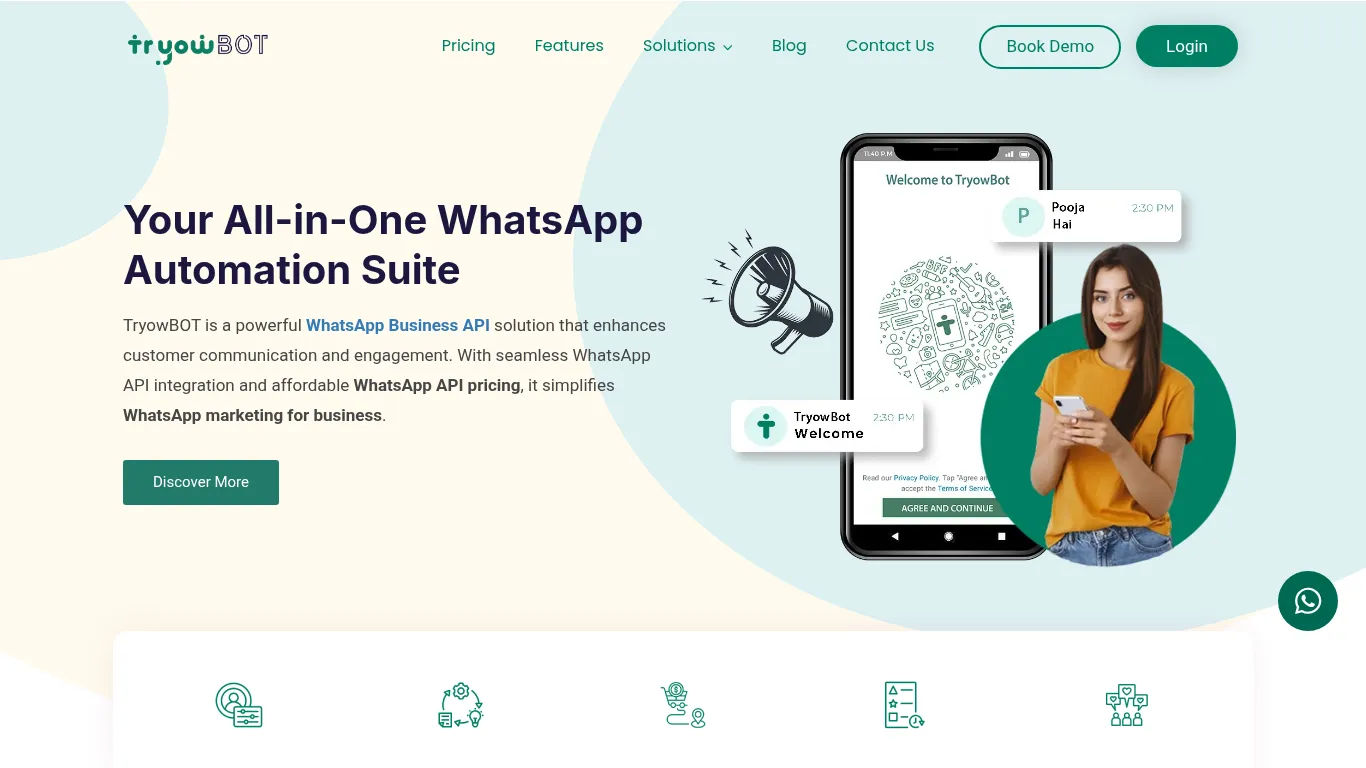
TryowBOT focuses on fast, effective WhatsApp marketing for small teams - combining bulk messaging, keyword automation, and clear analytics so you can launch campaigns quickly and prove ROI without heavy setup.
What it’s best for (use cases you can launch fast)
Bulk campaigns with targeting and personalization
Automated replies to FAQs and sales inquiries
Order, delivery, and appointment notifications
Why small businesses choose TryowBOT
Simple campaign setup for non‑technical teams
Useful analytics on opens, clicks, and conversions
Standout capabilities
CRM and e‑commerce integrations
Keyword/rule‑based automation to speed responses
Setup and platform notes
Designed for fast onboarding and SMB‑friendly execution
Feature snapshot
Capability | Automation | Shared Inbox & SLAs | Commerce (Catalog, Cart, Orders) | Bookings/Operations | Analytics & Segmentation | Setup Time |
|---|---|---|---|---|---|---|
TryowBOT | Keyword/rule-based replies, AI chatbot options, automated notifications | Basic live chat; inbox options vary by plan | Integrations for order updates; commerce via connected tools | Appointment/notification workflows via templates | Opens, clicks, conversions; audience segmentation | Fast; streamlined onboarding for SMBs |
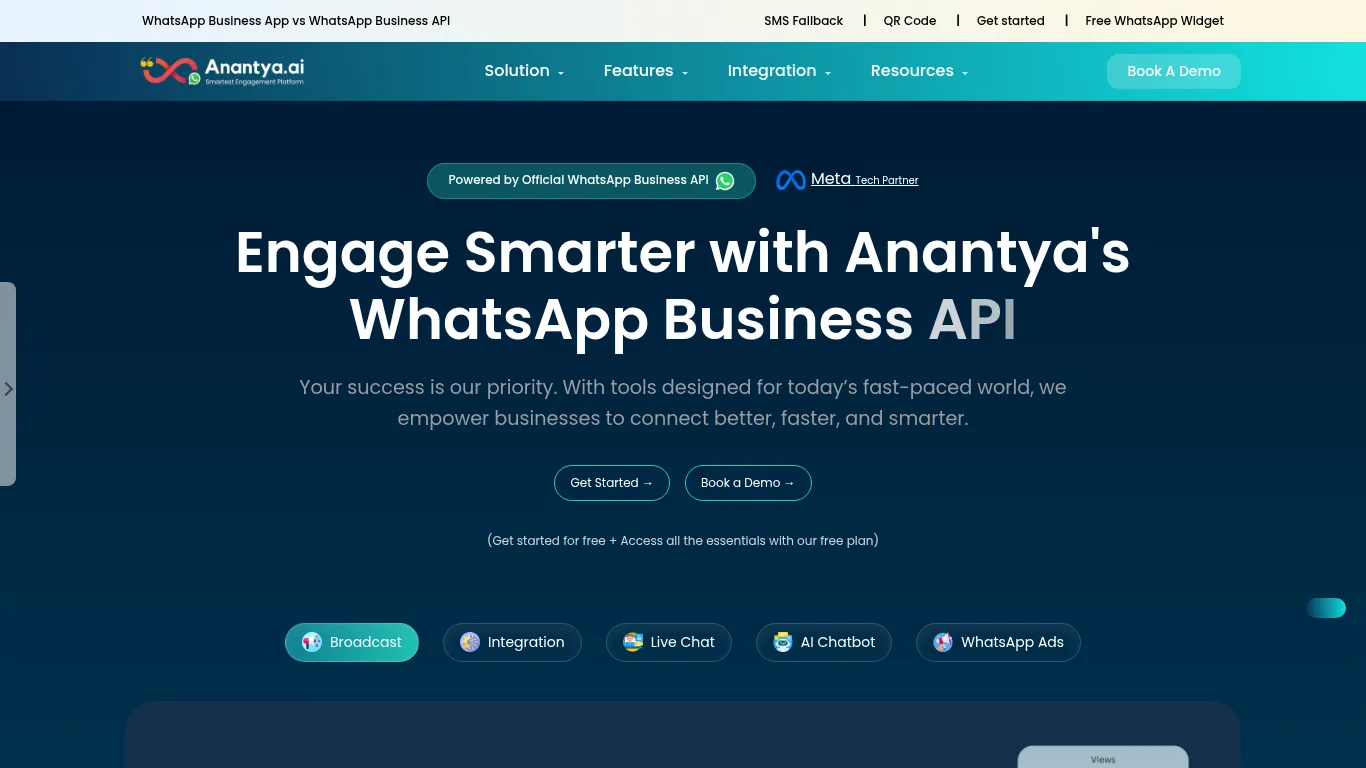
5) Anantya.ai - CTWA, catalogs, and local SMB automation (India‑focused)
Anantya.ai helps India-based SMBs turn Click‑to‑WhatsApp ads into real customers with practical playbooks, catalogs, and lightweight automation. It’s built for local service and retail workflows like salons, clinics, kirana, and coaching centers - so you can capture leads, nurture them, and close orders inside WhatsApp.
What it’s best for (use cases you can launch fast)
Click‑to‑WhatsApp ad journeys for lead capture
Catalog browsing and in‑chat ordering
Appointment scheduling and reminders for clinics, salons, and services
Why small businesses choose Anantya.ai
Local market focus with practical SMB playbooks
Labels/segments to run offers and nurture sequences
Standout capabilities
Simple automation for FAQs and ops workflows
After‑sales updates and retention messaging
Setup and platform notes
Fast to start for India SMBs; supports Meta verification and profile setup
Feature snapshot
Capability | Automation | Shared Inbox & SLAs | Commerce (Catalog, Cart, Orders) | Bookings/Operations | Analytics & Segmentation | Setup Time |
|---|---|---|---|---|---|---|
Anantya.ai | Lightweight FAQ bots; CTWA-to-chat flows; broadcasts | Multi-device live chat; labels for routing | Catalogs, carousels; payments/support in market | Appointments, reminders, after‑sales updates | Basic dashboards; segments/labels for offers | Very fast; India‑focused onboarding |
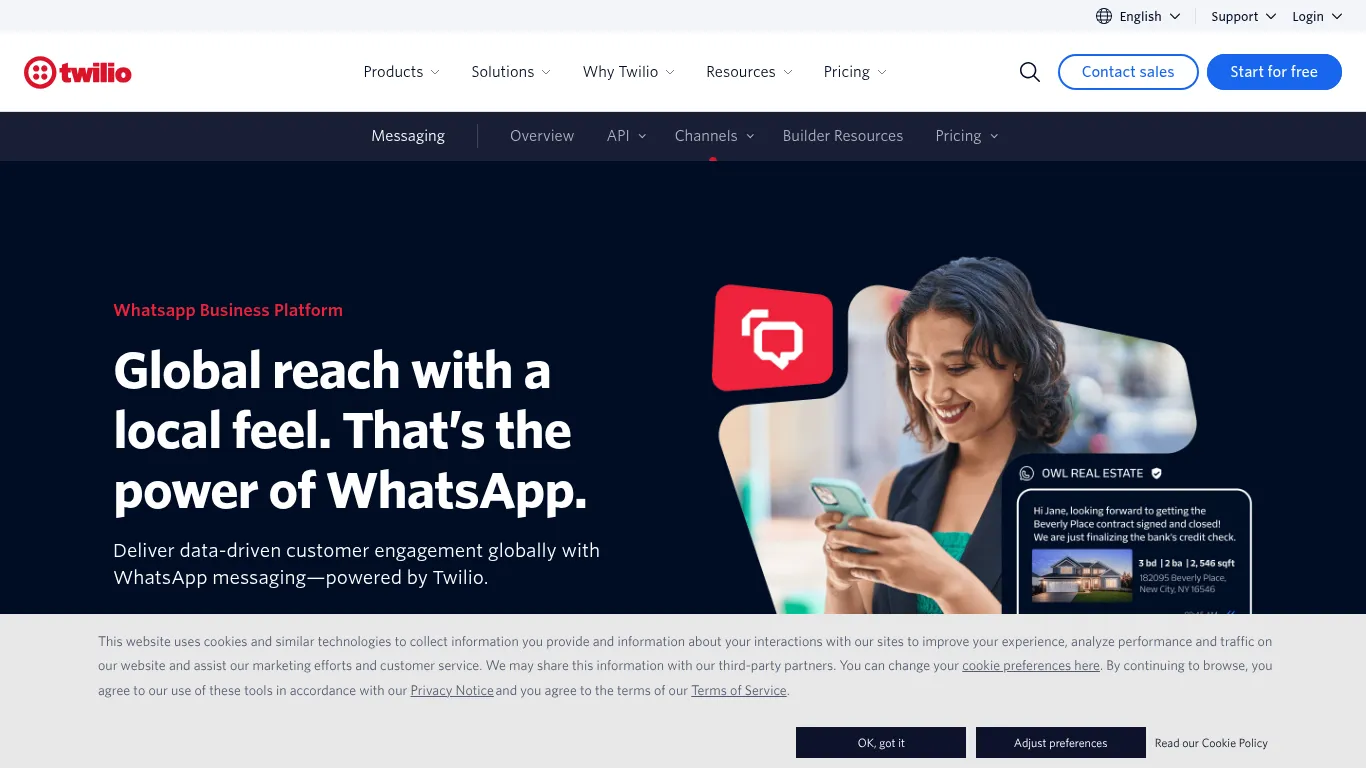
6) Twilio - Developer‑first WhatsApp API with strong flows and verification
Twilio offers a reliable, developer‑first path to build WhatsApp OTPs, transactional messaging, and guided flows. With Studio for low‑code automation and native integrations into Twilio’s broader stack, technical teams can stand up secure verification, alerts, and sales‑assisted chat journeys quickly.
What it’s best for (use cases you can launch fast)
OTPs/verification, transactional alerts, and reminders
Marketing notifications and simple chatbots via Studio
Sales‑assisted chat routing with qualification
Why small businesses choose Twilio
Mature APIs and global reliability
Low‑code Studio for building workflows
Standout capabilities
Integrations with data, CRM, and contact center (e.g., Flex)
Conversation management and reporting options
Setup and platform notes
Ideal for technical teams; can expand to full CCaaS with Flex
Feature snapshot
Capability | Automation | Shared Inbox & SLAs | Commerce (Catalog, Cart, Orders) | Bookings/Operations | Analytics & Segmentation | Setup Time |
|---|---|---|---|---|---|---|
Twilio | Low‑code Studio, Functions, and APIs for flows and bots | Via Flex/partners; routing and SLA options | Commerce via integrations and product messages | Reminders and verifications via flows/integrations | Console + add‑ons for reporting; segmentation via external tools | Medium; developer‑friendly with strong docs |
7) MessageBird (Bird) - Omnichannel inbox + flow builder for campaigns and care
MessageBird (Bird) combines an omnichannel inbox with a visual flow builder, making it easy for SMBs to run WhatsApp promotions and deliver efficient customer care from one place.
What it’s best for (use cases you can launch fast)
Promotions, product launches, and re‑engagement
Support routing and ticket deflection via automation
Event invitations and RSVP flows
Why small businesses choose MessageBird
Unified inbox with visual flow builder
Strong multi‑channel coverage
Standout capabilities
Templates, broadcast tools, and analytics
Team collaboration with roles and notes
Setup and platform notes
Suits SMBs wanting campaigns + care in one place
Feature snapshot
Capability | Automation | Shared Inbox & SLAs | Commerce (Catalog, Cart, Orders) | Bookings/Operations | Analytics & Segmentation | Setup Time |
|---|---|---|---|---|---|---|
MessageBird (Bird) | Visual flow builder, triggers, and templates | Omnichannel inbox with routing; SLA options | Product messages, catalogs; payments in supported markets | Event RSVPs, reminders via flows/integrations | Campaign analytics; audience tools | Medium; quick start via templates |
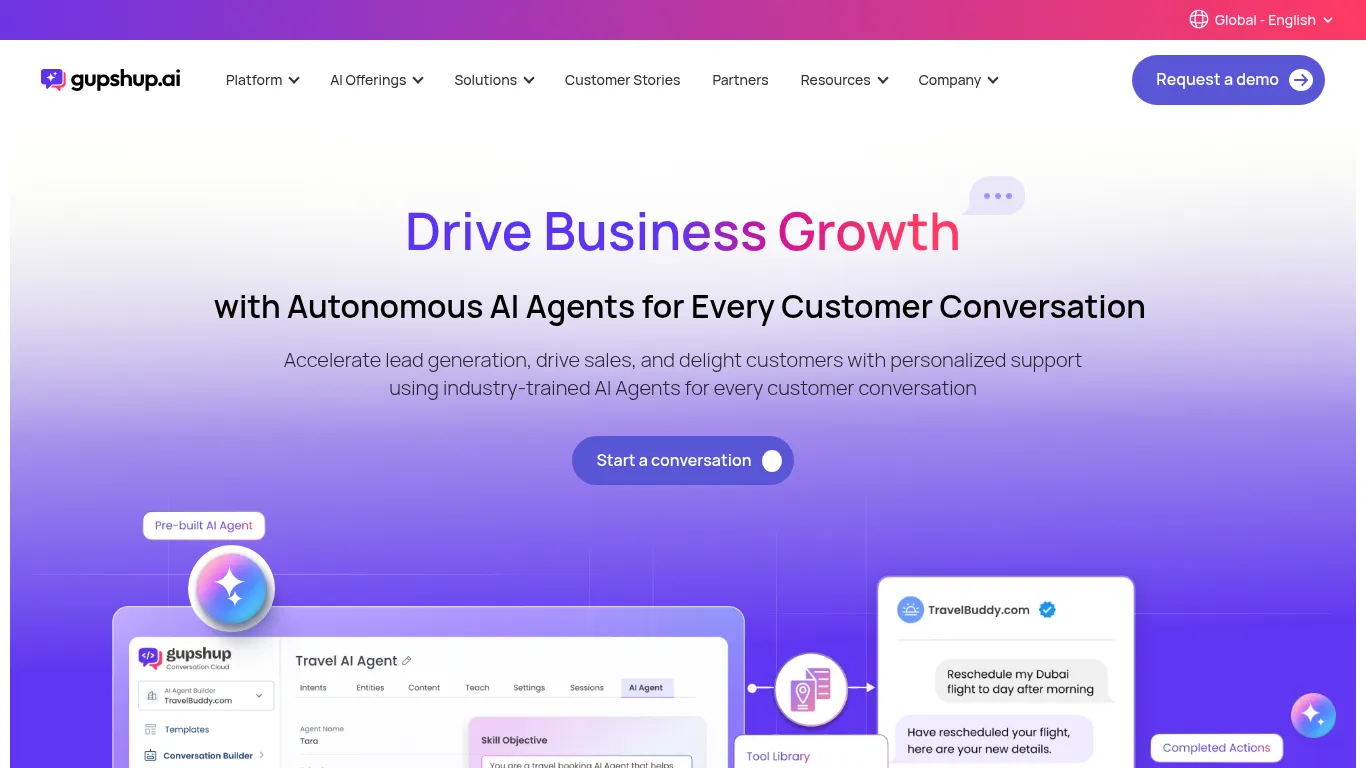
8) Gupshup - Conversational commerce and bot automation at scale
Gupshup is a long‑standing messaging provider with strong capabilities for conversational commerce and bot automation. SMBs use it to guide shoppers with catalogs, confirm COD orders, and automate FAQs and lead capture across India and LatAm.
What it’s best for (use cases you can launch fast)
Product discovery with catalogs and guided selling
Order updates, COD confirmations, and payments (market‑dependent)
Automated FAQ bots and lead capture
Why small businesses choose Gupshup
Strong focus on commerce journeys in chat
Broad template and campaign management
Standout capabilities
Bot builder, payments, and regional reach
Helpful for India/LatAm SMBs
Setup and platform notes
Works with major e‑commerce stacks and CRMs
Feature snapshot
Capability | Automation | Shared Inbox & SLAs | Commerce (Catalog, Cart, Orders) | Bookings/Operations | Analytics & Segmentation | Setup Time |
|---|---|---|---|---|---|---|
Gupshup | Bot builder + templates; AI agents; workflow automation | Inbox options via platform/partners | Catalogs, payments, COD flows (market‑dependent) | Reminders and order workflows via bots | Campaign analytics; segmentation tools | Medium; broad integrations |
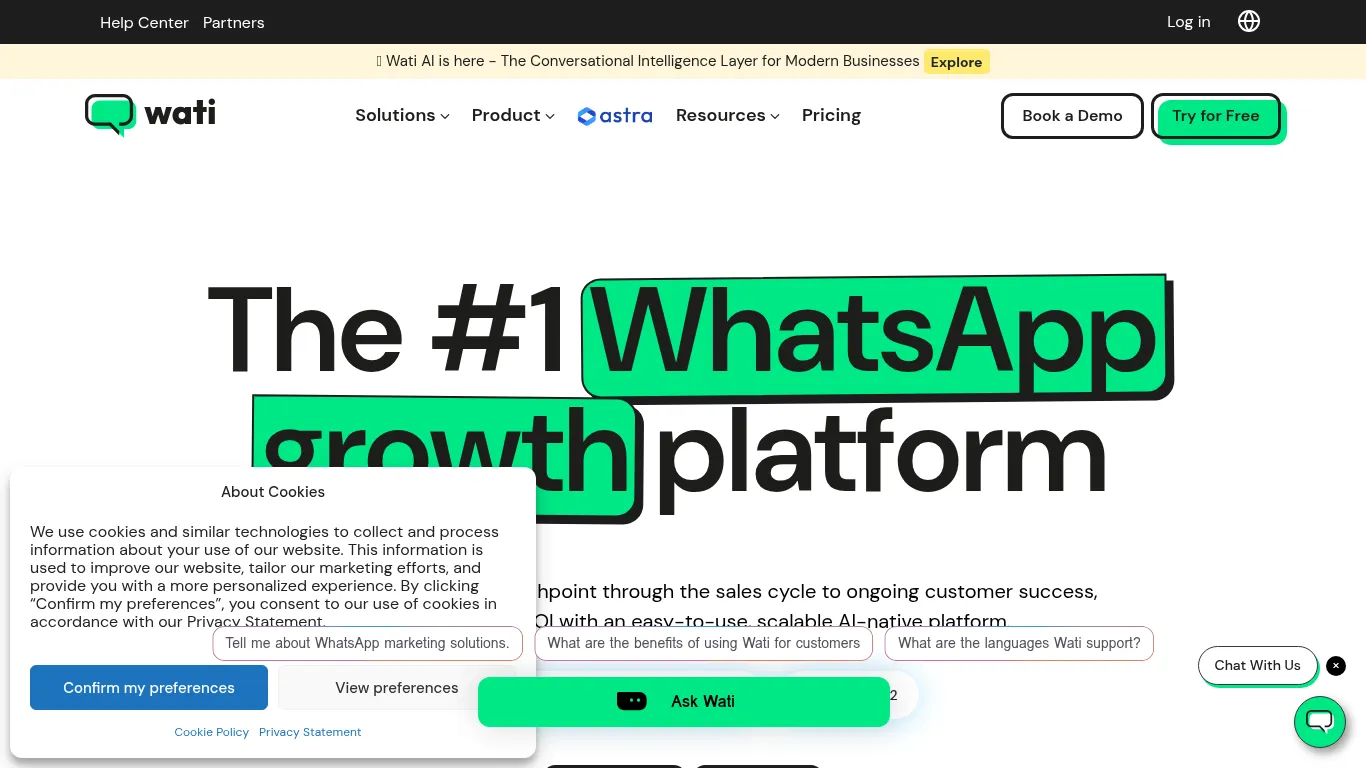
9) WATI - WhatsApp CRM for SMB teams with campaigns and no‑code bots
WATI is built for SMB teams that want a WhatsApp‑centric CRM with a shared inbox, campaigns, and no‑code automation. It’s a practical choice for sales and support teams that need labels, segments, and quick replies to move faster on chat.
What it’s best for (use cases you can launch fast)
Central shared inbox for sales and support
Broadcasts, segments, and automated follow‑ups
Basic chatbots for FAQs and routing
Why small businesses choose WATI
Purpose‑built for SMB workflows
Easy contact management and labels
Standout capabilities
Shopify and e‑commerce integrations
Team performance metrics and quick replies
Setup and platform notes
Simple onboarding; scales with add‑ons
Feature snapshot
Capability | Automation | Shared Inbox & SLAs | Commerce (Catalog, Cart, Orders) | Bookings/Operations | Analytics & Segmentation | Setup Time |
|---|---|---|---|---|---|---|
WATI | No‑code bots, triggers, and follow‑ups | Unified inbox with routing; SLA/assignment options | E‑commerce integrations; product messages | Appointment reminders and follow‑ups | Team metrics, delivery/read data; segmentation with labels | Fast; SMB‑friendly onboarding |
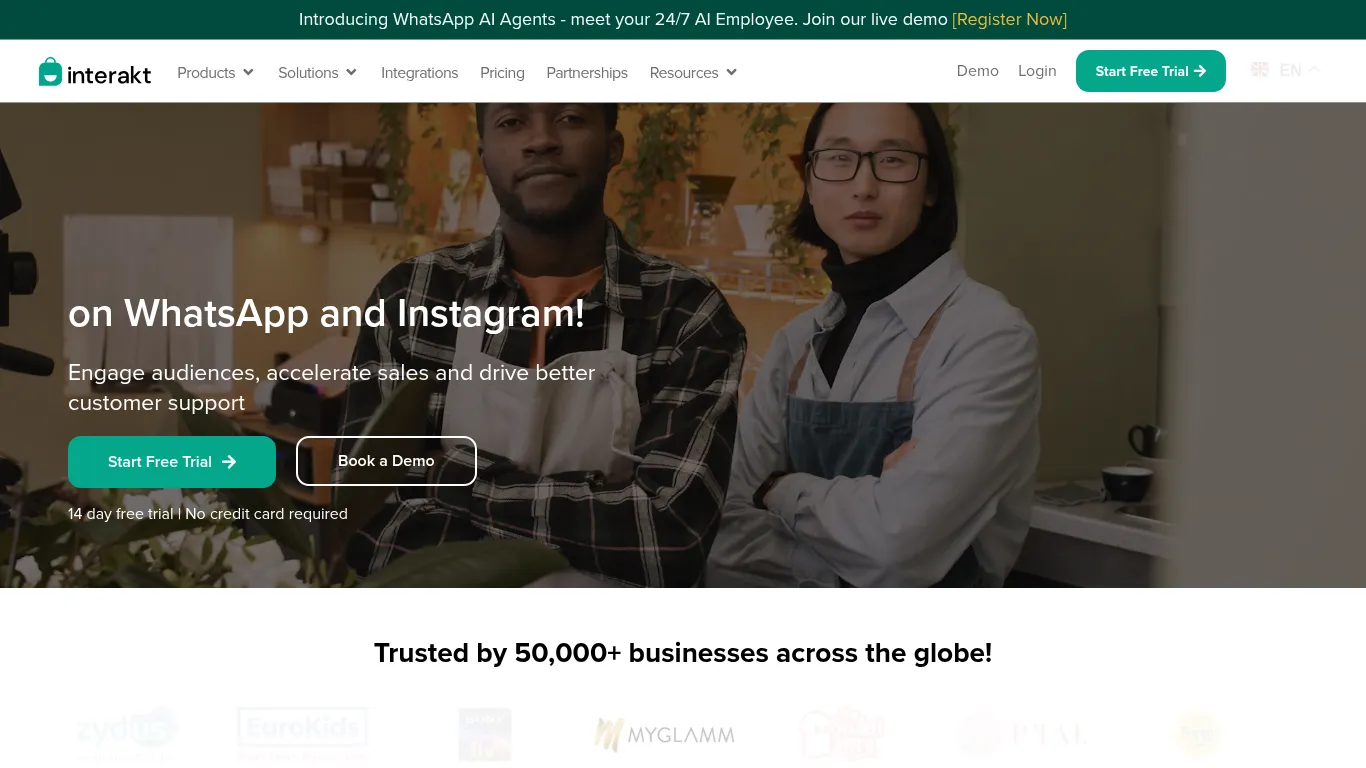
10) Interakt - D2C‑friendly WhatsApp marketing, inbox, and Shopify sync
Interakt caters to D2C brands and online stores that want to launch WhatsApp for small business quickly. With ready‑made templates for abandoned cart recovery, COD confirmation, and post‑purchase care, it helps SMBs turn chats into revenue while keeping support organized in a shared inbox.
What it’s best for (use cases you can launch fast)
Abandoned cart recovery and COD confirmation
Broadcasts/promotions with catalog messages
Order updates and post‑purchase care
Why small businesses choose Interakt
Strong Shopify/D2C focus with ready templates
Easy automation for common e‑commerce flows
Standout capabilities
Shared inbox, tags, and contact profiles
Coupons, retargeting, and feedback prompts
Setup and platform notes
Great for online stores launching WhatsApp quickly
Feature snapshot
Capability | Automation | Shared Inbox & SLAs | Commerce (Catalog, Cart, Orders) | Bookings/Operations | Analytics & Segmentation | Setup Time |
|---|---|---|---|---|---|---|
Interakt | Prebuilt e‑commerce flows (abandoned cart, COD, order updates) | Team inbox with tags and assignments | Shopify sync; catalog/product messages; order updates | Post‑purchase notifications; reminders | Campaign/flow metrics; customer profiles; segments | Fast; D2C‑ready templates streamline launch |
Feature snapshot table (applies to every product)
Best for SMB use cases | Automation level | Shared inbox | Commerce tools | Pricing model |
|---|---|---|---|---|
Trikon - all‑in‑one support, marketing, chatbots, bookings, and commerce | No‑code keywords + AI; 24×7; hybrid handoff | Yes: team assignment, SLAs, full history | WhatsApp Storefront; catalog, cart, orders, payments; website sync | Subscription + WhatsApp conversation fees |
WhatsApp Business Platform (Official) - notifications, auth, Flows, product messages | API‑driven + WhatsApp Flows | Not included (add via BSP) | Product messages, catalogs; payments in supported markets | Conversation‑based pricing via WhatsApp |
Sinch - omnichannel campaigns, OTPs, care at scale | Strong APIs; Flows; chatbot/AI integrations | Via Sinch Engage/Contact Pro | Catalog/product messages; payments (market‑dependent) | Platform subscription + conversation fees |
TryowBOT - bulk campaigns, auto replies, notifications | Keyword/rule‑based + chatbot options | Basic live chat/inbox options | Integrations for order updates; e‑commerce sync | SMB‑friendly subscription + conversation fees |
Anantya.ai - CTWA to chat, catalogs, local SMB automation (India) | Lightweight FAQ and ops flows; broadcasts | Multi‑device live chat | Catalogs/carousels; payments where supported | Local SMB plans + conversation fees |
Twilio - OTP/verification, alerts, Studio flows | Low‑code Studio + APIs | Via Flex/partners | Product messages via integrations | Pay‑as‑you‑go + conversation fees |
MessageBird (Bird) - campaigns + care in one inbox | Visual flow builder; triggers/templates | Omnichannel team inbox | Catalog/product messages; CTWA | Subscription + conversation fees |
Gupshup - conversational commerce, COD, bot automation | Bot builder + AI agents; workflow automation | Via platform/partners | Catalogs, payments, COD flows (market‑dependent) | Tiered plans + conversation fees |
WATI - SMB CRM with campaigns and no‑code bots | No‑code bots; triggers; AI assist | Unified inbox with routing | Shopify/e‑commerce integrations | Subscription + conversation fees |
Interakt - D2C Shopify (abandoned cart, COD, updates) | Prebuilt e‑commerce flows; retargeting | Team inbox with tags | Shopify sync; catalog messages | Subscription + conversation fees |
Overall comparison table
Product | Ideal SMB use cases | Automation strength | Shared inbox | Commerce features | Typical pricing model |
|---|---|---|---|---|---|
Trikon | All‑in‑one support, marketing, chatbots, bookings, and commerce | No‑code keywords + AI; 24×7; hybrid handoff | Yes: team assignment, SLAs, full history | WhatsApp Storefront; catalog/cart/orders; payments; website sync | Subscription + WhatsApp conversation fees |
WhatsApp Business Platform (Official) | Notifications, authentication, WhatsApp Flows, product messages | API‑driven + WhatsApp Flows; interactive templates | Not included natively; add via BSP | Product messages, catalogs; payments in supported markets | Conversation‑based pricing via WhatsApp |
Sinch | Omnichannel campaigns, OTPs, care, reminders | Strong APIs; Flows; chatbot/AI integrations | Via Sinch Engage/Contact Pro; routing, SLAs | Product messages, catalogs; payments (market‑dependent) | Platform subscription + conversation fees |
TryowBOT | Bulk campaigns, auto replies, notifications | Keyword/rule‑based + chatbot options | Basic live chat/inbox options | Integrations for order updates; e‑commerce sync | SMB‑friendly subscription + conversation fees |
Anantya.ai | CTWA to chat, catalogs, local SMB automation (India) | Lightweight FAQ/ops flows; broadcasts | Multi‑device live chat; labels | Catalogs/carousels; payments where supported | Local SMB plans + conversation fees |
Twilio | OTP/verification, alerts, Studio flows, sales routing | Low‑code Studio + APIs | Via Flex/partners | Product messages via integrations | Pay‑as‑you‑go + conversation fees |
MessageBird (Bird) | Promotions, re‑engagement, support routing, event RSVPs | Visual flow builder; triggers/templates | Omnichannel inbox with routing; SLA options | Catalog/product messages; CTWA | Subscription + conversation fees |
Gupshup | Catalogs/guided selling, COD confirmations, payments, FAQ bots | Bot builder + AI agents; workflow automation | Via platform/partners | Catalogs, payments, COD flows (market‑dependent) | Tiered plans + conversation fees |
WATI | Shared inbox for sales/support, broadcasts, follow‑ups, basic bots | No‑code bots; triggers; AI assist | Unified inbox with routing; SLA/assignment options | Shopify/e‑commerce integrations; product messages | Subscription + conversation fees |
Interakt | Abandoned cart recovery, COD confirmation, order updates, promotions | Prebuilt e‑commerce flows; retargeting | Team inbox with tags | Shopify sync; catalog messages; order updates | Subscription + conversation fees |
Conclusion
For small businesses, WhatsApp is more than a chat app - it’s a complete revenue and service channel. The most impactful WhatsApp business use cases we covered fall into four buckets:
Faster support with a shared inbox, SLAs, and a hybrid model where agents handle complex issues while automation resolves FAQs.
Higher‑converting marketing via broadcasts, segmentation, drip flows, retargeting, and abandoned cart recovery.
Automated operations for reminders, verifications, and workflows like order updates, appointments, and COD confirmations.
In‑chat commerce with catalogs, carts, payments, and end‑to‑end order management.
How to choose the right platform:
Start with your top use cases (support, marketing, operations, or commerce). Then shortlist tools that shine in those areas.
Match the platform to your team’s skills: no‑code simplicity for fast go‑lives vs developer‑led APIs if you need deep customization.
Compare must‑have features: shared inbox and SLA controls, the depth of automation (from keyword rules to AI), and commerce capabilities like product messages, storefronts, and payments.
Factor in scale and compliance: conversation pricing models, deliverability, analytics, and regional support.
Our recommendation:
If you want speed to value without engineering overhead, start with Trikon. You can launch support, marketing, WhatsApp chatbot small business automation, bookings/operations, and a WhatsApp storefront from one place. As you grow, scale your WhatsApp automation for small business with richer templates, segmentation, and AI - while keeping agents in the loop for high‑value conversations. This balanced approach helps you turn WhatsApp for small business into a dependable engine for sales, service, and loyalty.